
Note: Auto only supports 1K. 1:1 does not support 4K.
VHS Filter With Authentic Analog Tape Glitches
Give portraits, neon street scenes, party photos, covers, and travel shots authentic 80s or 90s VHS texture with tape grain, scan lines, color bleed, and warm faded tones.
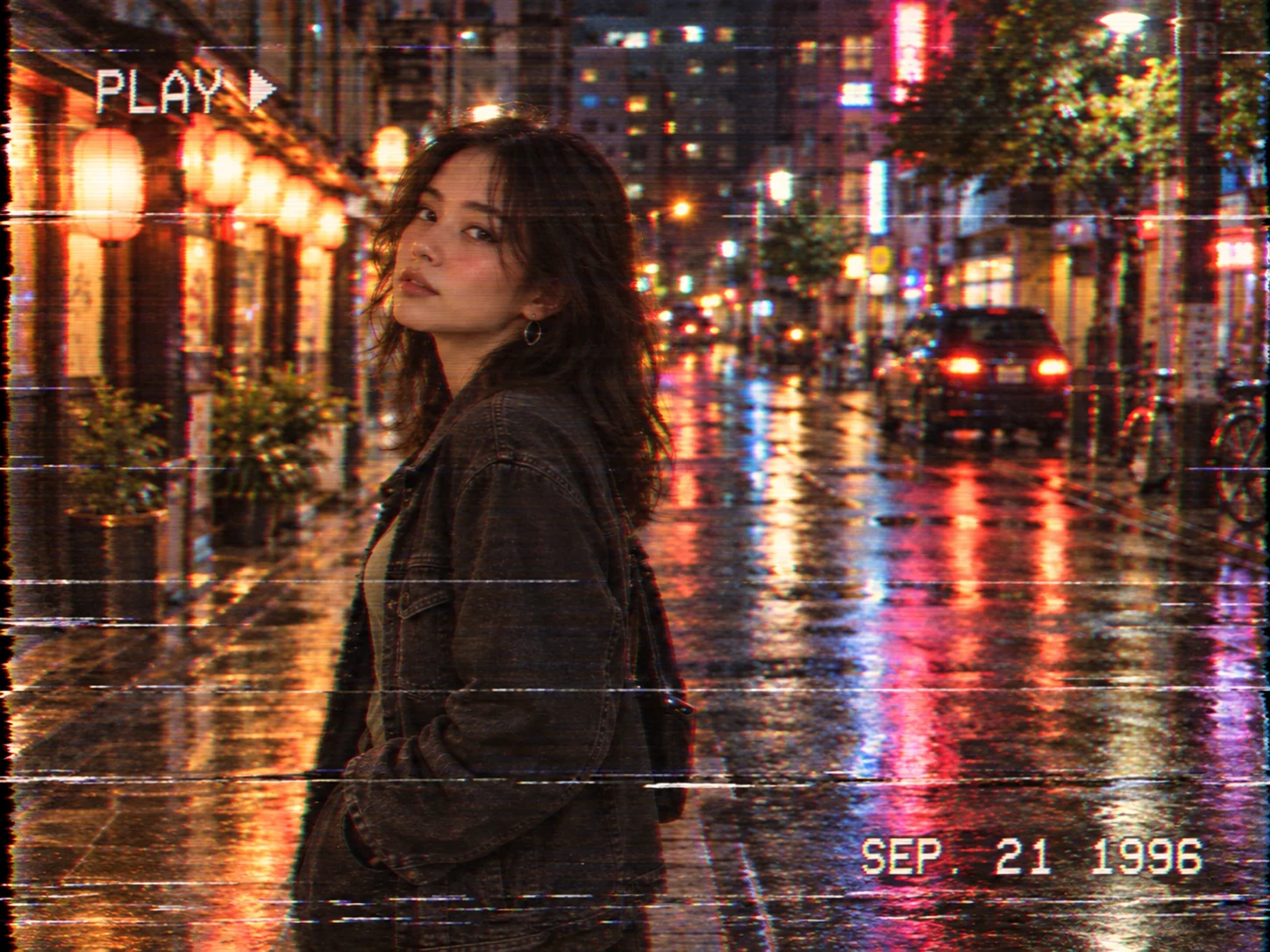
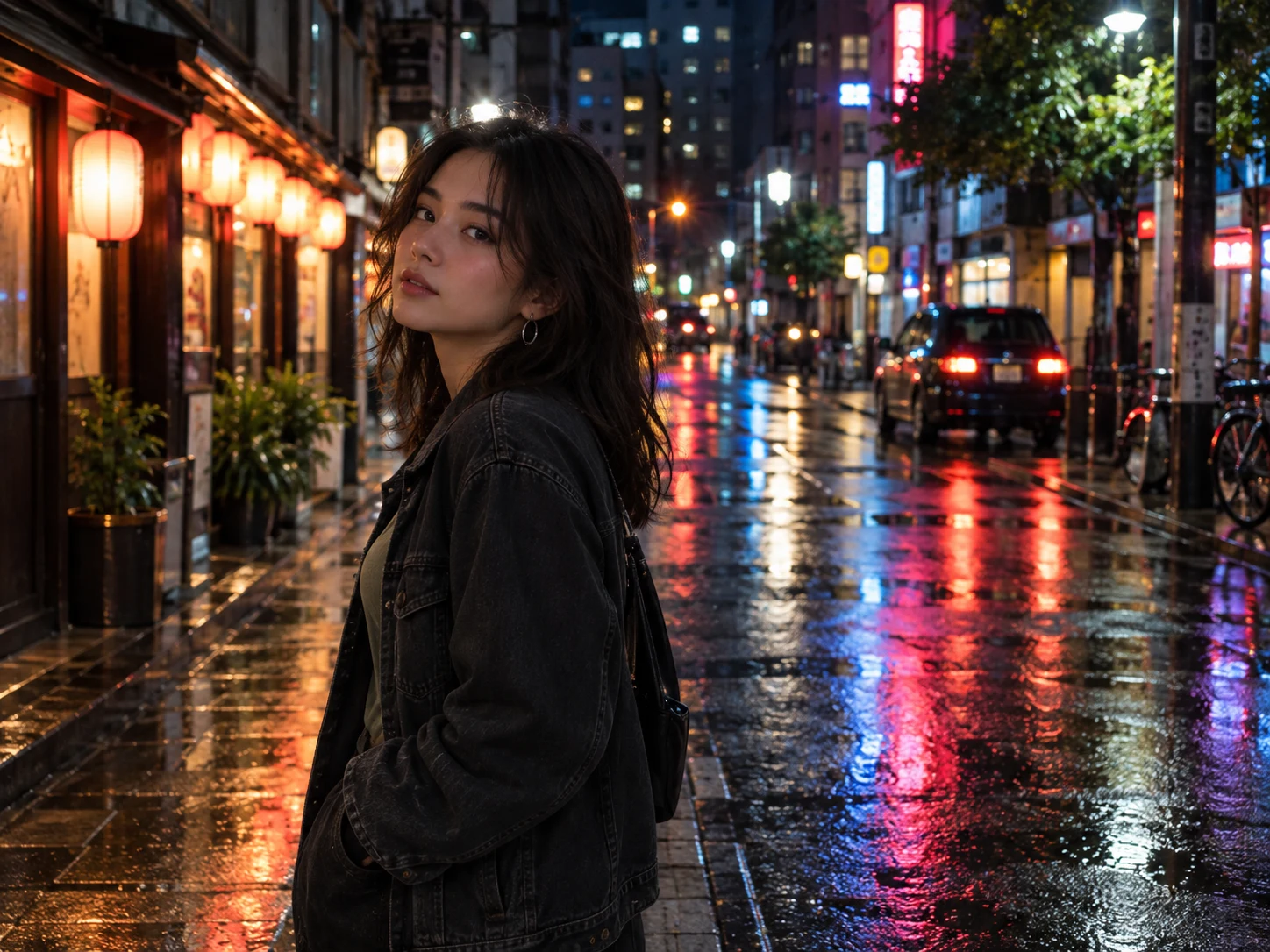
How to Use the VHS Filter
Upload a Clear Image With Visible Edges
Choose a portrait, street scene, party photo, cover, poster, or travel shot with a recognizable subject. Strong light contrast, saturated signs, and visible outlines give color bleed, scan lines, and tape noise clear places to appear without losing the main image.
Choose Your Tape Condition
Use the prepared prompt or describe a subtle home-video warmth, copied-tape softness, stronger tracking trouble, heavier static, RGB edge offset, or a damaged-signal look. Mention PLAY, REC, or a retro date only when that camcorder context suits the image.
Generate, Compare, and Download
Check that faces, titles, and important objects remain readable while the color bleed, line shifts, tracking bands, and tape grain feel integrated. Review the image at its intended post, cover, or thumbnail size, refine the intensity if needed, and download the finished result.
Why Choose the VHS Filter
Recreate Analog Signal Behavior
Combine softened signal detail, delayed chroma, horizontal line timing errors, tracking tears, static bursts, and worn-tape grain. These interacting artifacts create the character of consumer videotape instead of covering the photo with a flat warm tint or a generic digital glitch.
Keep the Original Moment Recognizable
Apply visible distortion around edges and across selected signal bands while preserving the same subject, identity, expression, pose, outfit, scene, and framing. Faces and essential details stay readable even when the image gains low-fidelity softness and analog damage.
Shape Different VHS Eras and Moods
Move from warm family-camcorder memories to copied-tape music artwork, neon Y2K posts, or more damaged horror signals. Adjustable noise, tracking, color bleed, timestamps, and frame instability help the effect fit portraits, parties, travel memories, posters, and covers.
Who Uses an AI Filter?
Social Media Creators
Transform portraits, pet photos, and everyday shots into eye-catching profile images, posts, Stories, and thumbnails.
Marketers and Small Businesses
Create stylized product photos, campaign visuals, and promotional graphics without a complex editing workflow.
Designers and Creative Hobbyists
Explore visual styles for mood boards, posters, stickers, personal artwork, and early design concepts.
FAQs About the VHS Filter
Turn a Clear Photo Into a Worn VHS Frame
Upload an image and rebuild it with analog tape grain, tracking tears, softened color, scan lines, and camcorder cues in Filter AI. Sign up, use your trial credits, and create your retro tape version.