
Note: Auto only supports 1K. 1:1 does not support 4K.
Sunset Filter With Front-Lit Golden Hour Glow
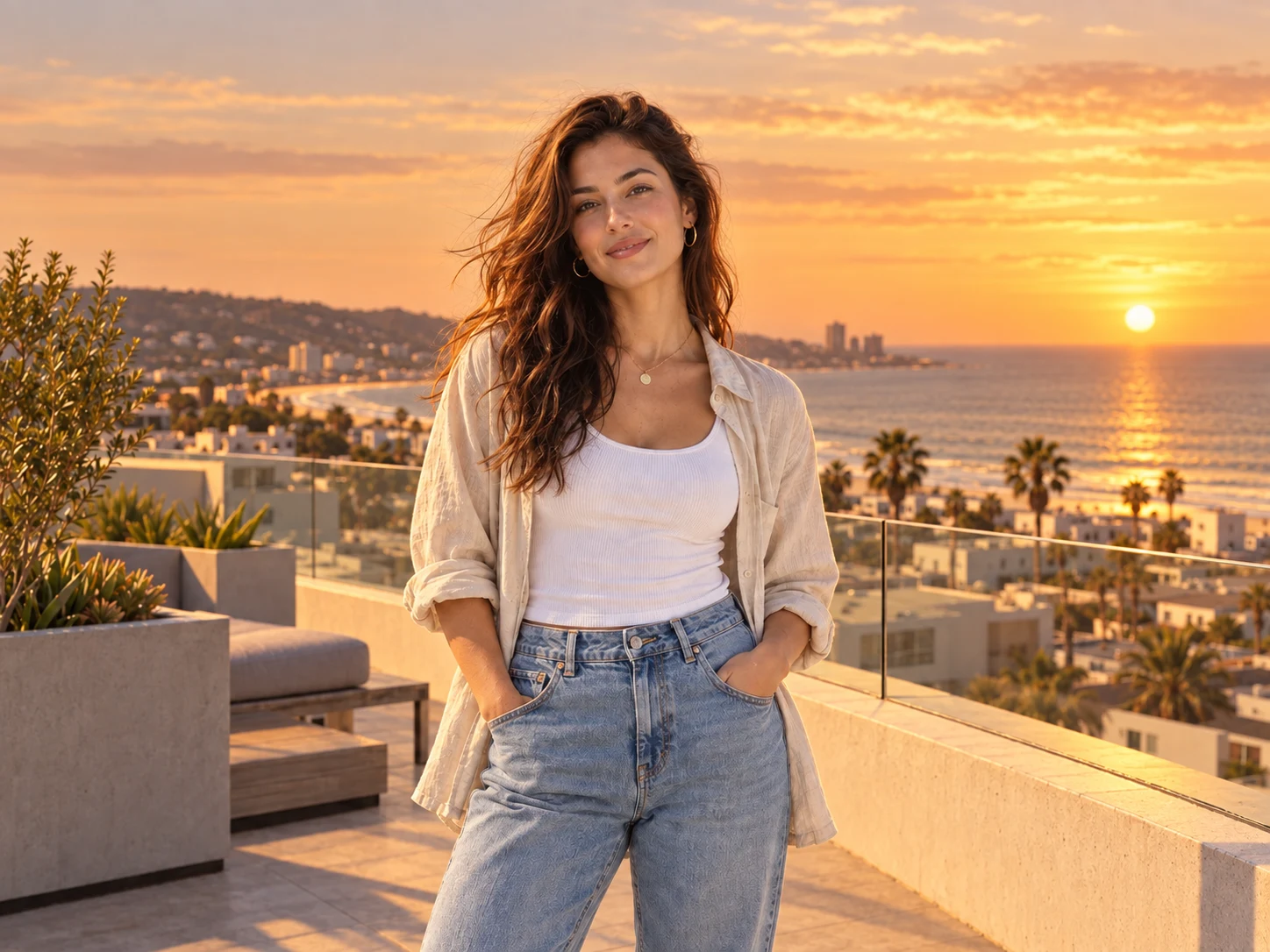
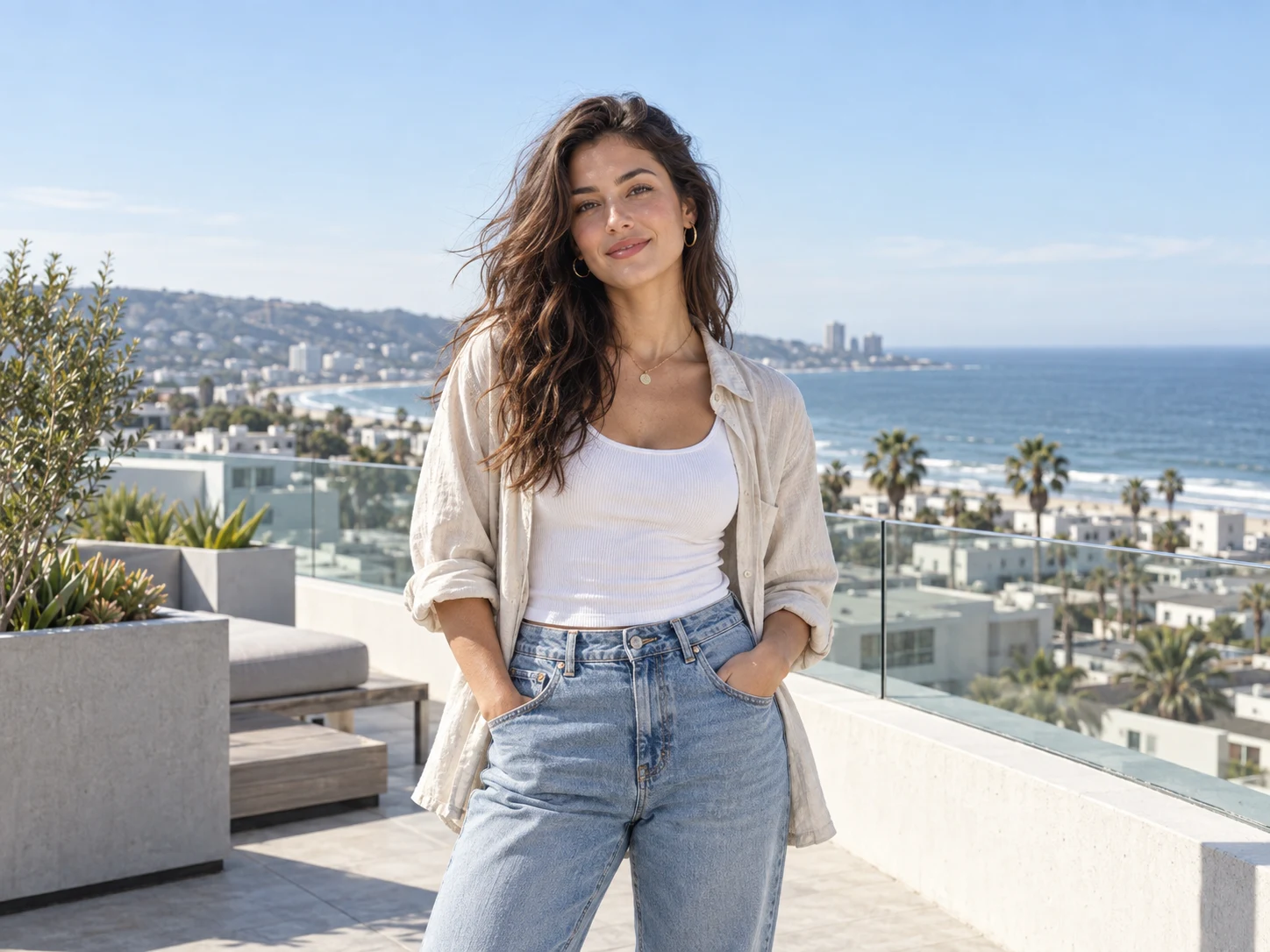
Turn portraits, travel scenes, landscapes, property photos, and product shots into a coherent sunset moment.
How to Use the Sunset Filter
Upload a Clear, Well-Lit Photo
Choose a portrait, landscape, travel shot, property exterior, or product image with visible subject detail. Even exposure gives the sunset relighting enough information to preserve faces, materials, edges, and the original composition.
Describe the Sunset Mood
Use the prepared prompt or request golden hour, a blazing sunset, soft afterglow, or cooler twilight. You can also specify a gentle amber wash, peach sky, stronger directional shadows, or restrained warmth to fit the scene.
Generate and Check the Lighting
Review the result for natural skin or product color, readable subject detail, controlled highlights, believable shadow direction, and smooth integration between the new sky and ambient light. Refine the mood or strength, then download the finished image.
Why Choose the Sunset Filter
Relight the Whole Scene, Not Just the Sky
Build a convincing sunset through coordinated sky color, warm highlights, ambient tones, and directional shadows. The image reads as one illuminated scene instead of a normal photo covered by a flat orange tint.
Keep the Subject Bright and Natural
Front fill light preserves the original skin tone, product color, texture, and important detail while the background takes on amber and peach warmth. Faces and objects stay visible without turning into silhouettes or losing highlights.
Match Different Sunset Stories
Move from gentle golden hour to vivid sunset, lingering afterglow, or blue-hour twilight. The range suits portraits, holiday memories, scenic posts, property marketing, product campaigns, and creative concepts without rebuilding the shoot.
Who Uses an AI Filter?
Social Media Creators
Transform portraits, pet photos, and everyday shots into eye-catching profile images, posts, Stories, and thumbnails.
Marketers and Small Businesses
Create stylized product photos, campaign visuals, and promotional graphics without a complex editing workflow.
Designers and Creative Hobbyists
Explore visual styles for mood boards, posters, stickers, personal artwork, and early design concepts.
FAQs About the Sunset Filter
Turn Any Clear Photo Into a Sunset Moment
Upload an image and relight it with amber warmth, a soft peach sky, balanced shadows, and a naturally illuminated subject in Filter AI. Sign up, use your trial credits, and create your sunset version.