
Note: Auto only supports 1K. 1:1 does not support 4K.
Rainbow Filter for Dreamy Light and Color
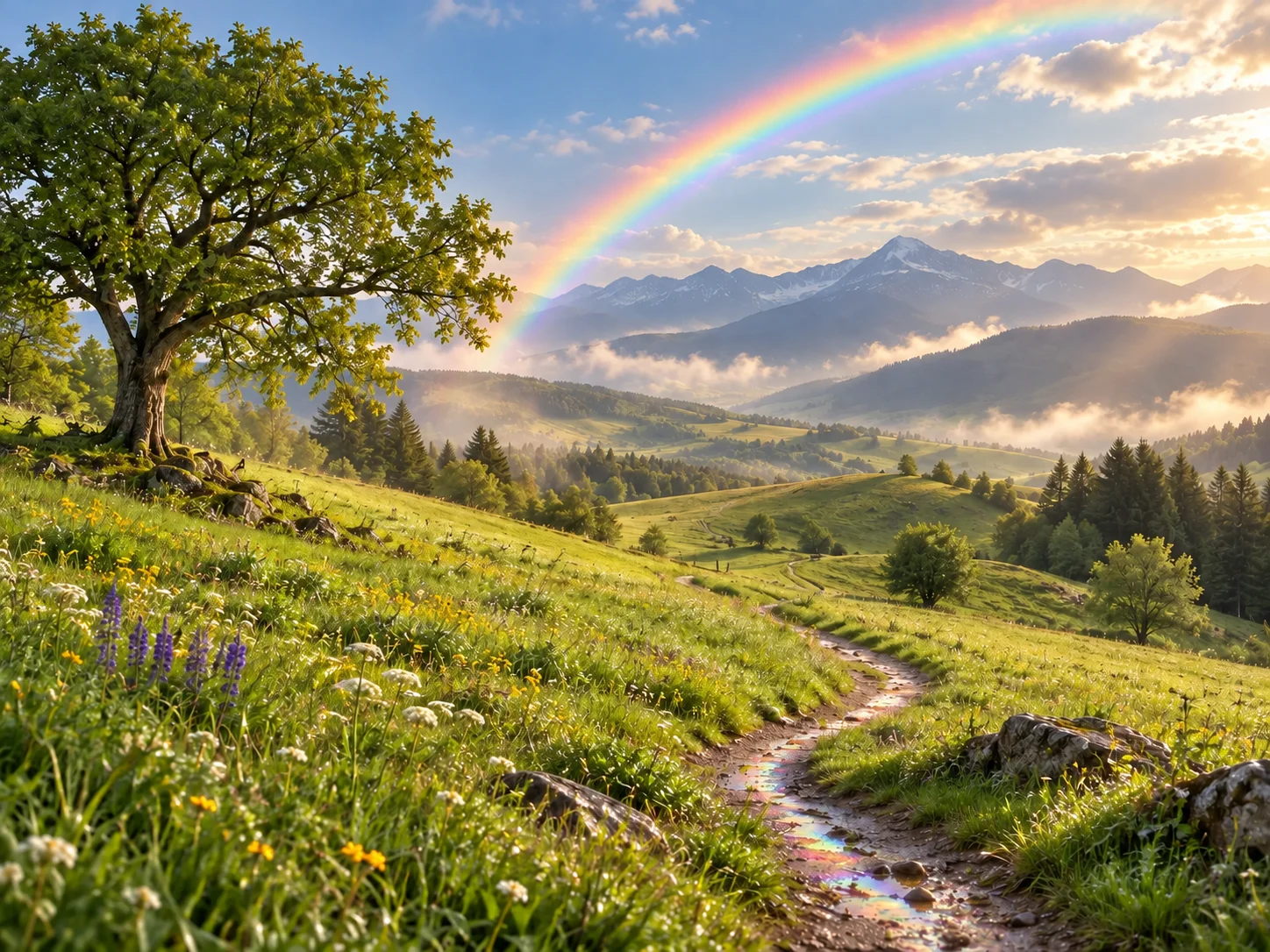
Transform portraits, landscapes, product shots, and everyday photos with soft rainbow light, natural spectrum gradients, delicate prism reflections, or a vivid multicolor glow.
How to Use the Rainbow Filter
Upload a Clear Photo
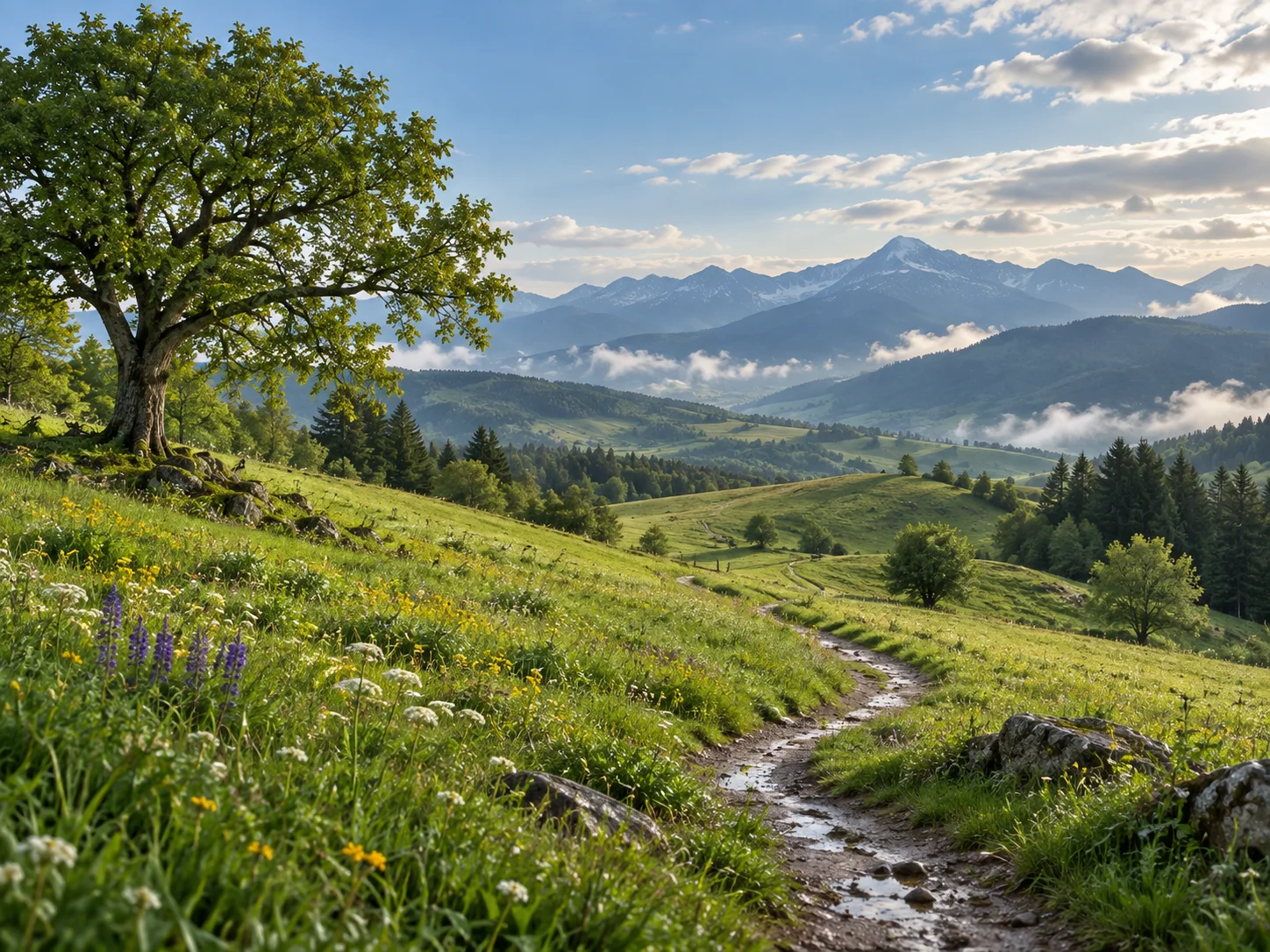
Choose a portrait, profile image, landscape, product photo, or everyday shot with visible subjects and balanced lighting. A clean source image helps rainbow light blend naturally with existing highlights and colors.
Describe the Rainbow Effect
Use the prepared prompt or specify a natural sky arc, soft pastel gradient, prism reflection across the face, colorful halo, bold spectrum wash, or subtle rainbow glow. Mention where the light should appear and whether the mood should feel realistic or artistic.
Generate, Review, and Download
Generate the edited image and review the color intensity, placement, facial clarity, lighting balance, and background integration. Refine the description if you want a softer accent or stronger color burst, then download your preferred result.
Why Choose the Rainbow Filter
Create Rainbow Light That Matches the Scene
Move beyond a fixed overlay by describing where the spectrum should appear and how strongly it should blend. Add a believable arc to a sky, a gentle band of color across a portrait, or reflected prism light near existing highlights.
Explore Subtle Pastels or Bold Color
Shape the mood with soft gradients, vintage rainbow haze, luminous halos, vivid spectrum bursts, or delicate refractions. The same source can become calm and dreamy or bright and expressive without forcing every photo into one preset.
Enhance Portraits, Landscapes, and Creative Work
Add color to profile images, make a landscape sky feel more magical, introduce prism accents to product photography, or build expressive visuals for social posts, covers, mood boards, and personal collections.
Who Uses an AI Filter?
Social Media Creators
Transform portraits, pet photos, and everyday shots into eye-catching profile images, posts, Stories, and thumbnails.
Marketers and Small Businesses
Create stylized product photos, campaign visuals, and promotional graphics without a complex editing workflow.
Designers and Creative Hobbyists
Explore visual styles for mood boards, posters, stickers, personal artwork, and early design concepts.
FAQs About the Rainbow Filter
Bring Your Photos to Life With Rainbow Color
Upload a favorite image and add soft spectrum light, prism reflections, or a vivid rainbow glow with Filter AI. Sign up, use your trial credits, and create a colorful version that matches your mood.