
Note: Auto only supports 1K. 1:1 does not support 4K.
One Piece Filter for Bold Pirate Anime Transformations
Turn your photo into a recognizable pirate-anime character with sharp outlines, vivid colors, expressive features, dynamic poses, and custom nautical clothing while preserving the subject's identity and composition.
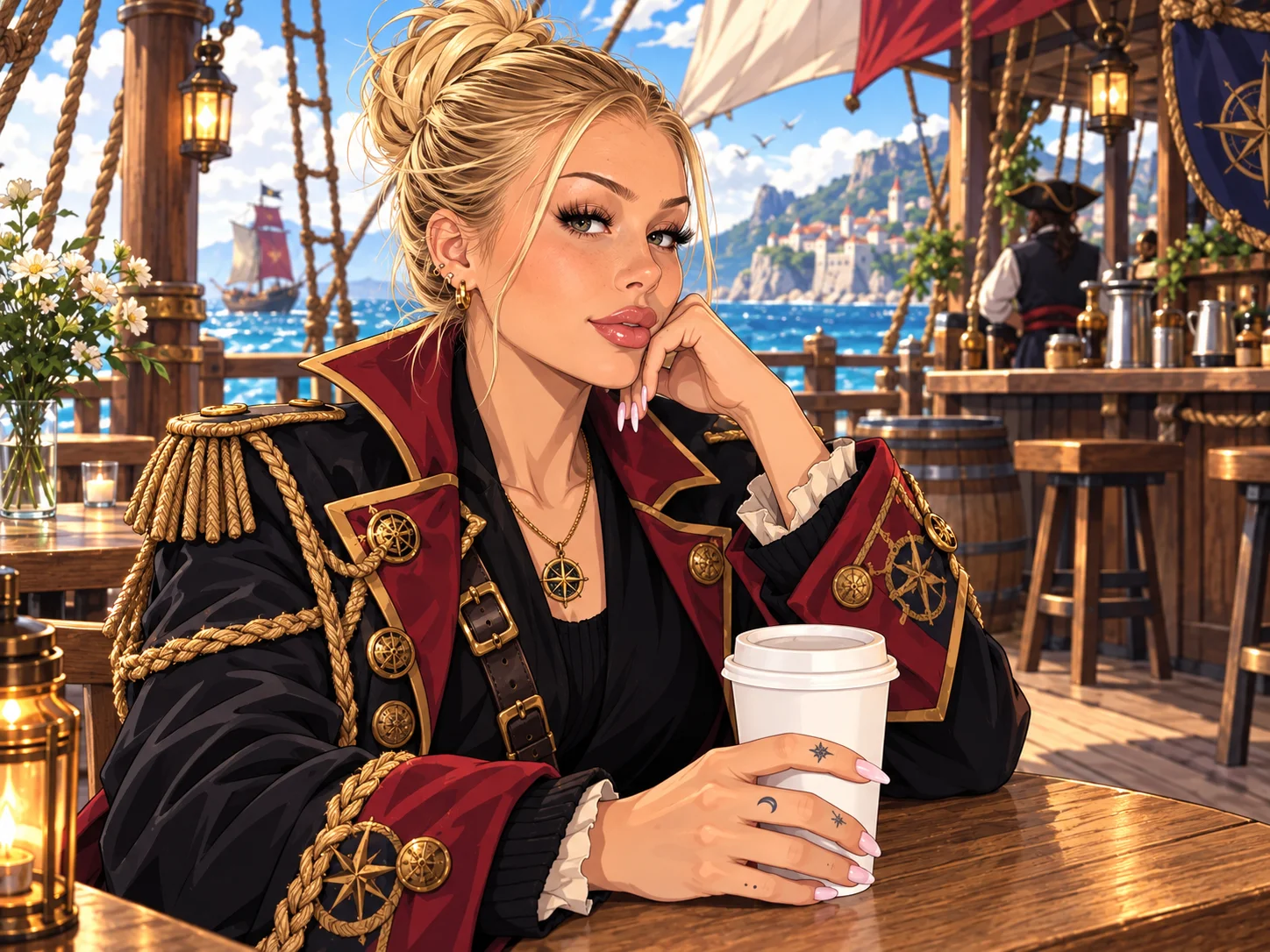
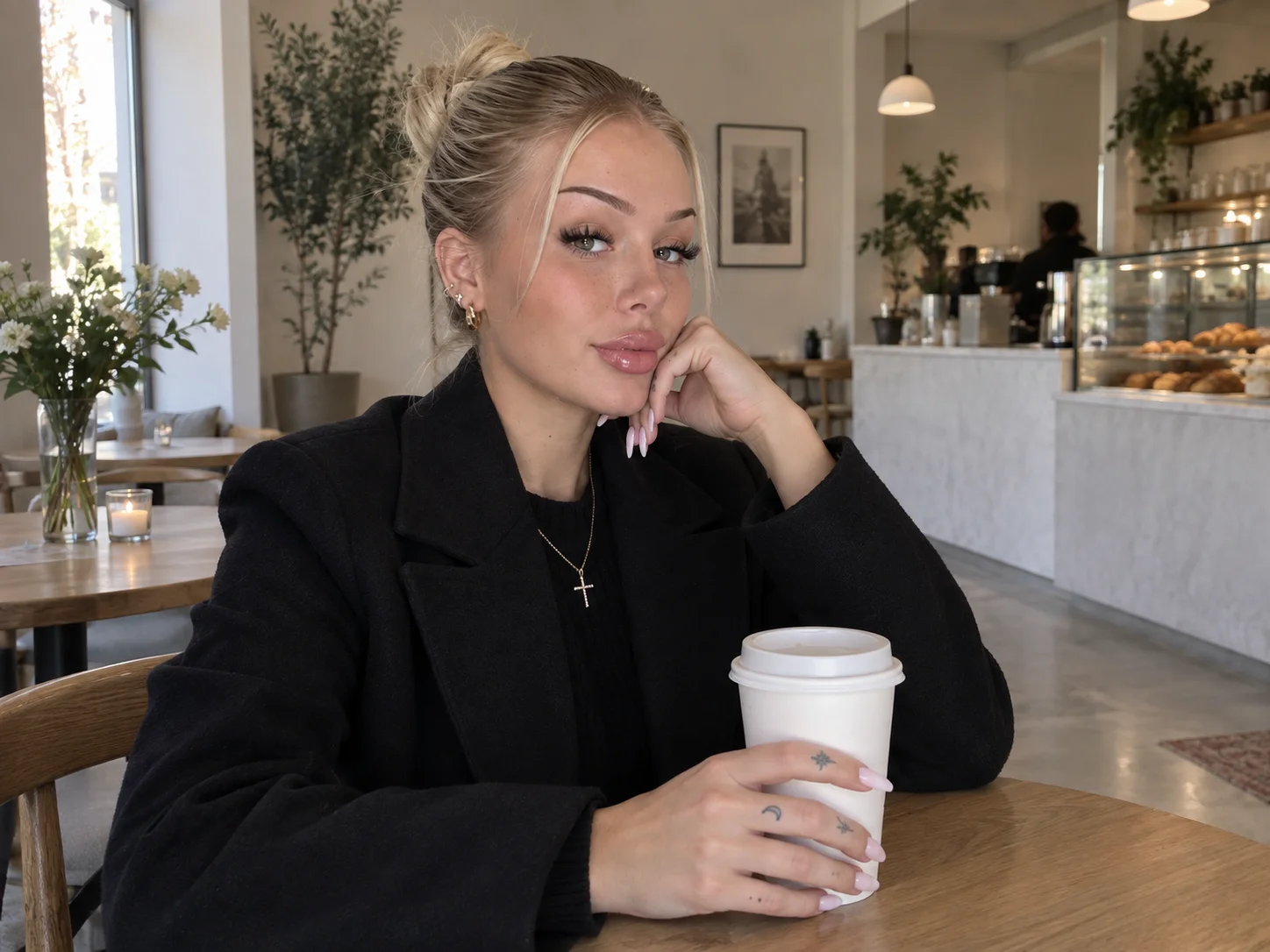
How to Use the One Piece Filter
Upload Your Photo
Choose a clear selfie, portrait, group shot, or pet photo. Good lighting and a visible subject help preserve recognizable details during the transformation.
Describe Your Pirate Character
Add details such as a pirate hat, marine uniform, dramatic pose, ship deck, island setting, or vivid color palette to guide the result.
Generate and Download
Generate your One Piece-style image, review the character and scene, refine your description if needed, and download the finished artwork.
Why Choose the One Piece Filter
A Recognizable Character in a Bold Anime Style
Blend the subject's face, hairstyle, pose, and composition with sharp outlines, saturated colors, and expressive character features for a transformation that still feels personal.
Build Your Own Pirate Adventure
Guide the image with pirate coats, straw hats, marine uniforms, ship designs, flags, island scenery, or fantasy powers to create a character and world around your idea.
Transform Portraits, Crews, and Pets
Create a solo avatar, turn friends into a custom pirate crew, or reimagine a pet as an adventurous anime companion for profile images, fan art, and social posts.
Who Uses an AI Filter?
Social Media Creators
Transform portraits, pet photos, and everyday shots into eye-catching profile images, posts, Stories, and thumbnails.
Marketers and Small Businesses
Create stylized product photos, campaign visuals, and promotional graphics without a complex editing workflow.
Designers and Creative Hobbyists
Explore visual styles for mood boards, posters, stickers, personal artwork, and early design concepts.
FAQs About the One Piece Filter
Create Your Pirate-Anime Character with the One Piece Filter
Upload a portrait, group shot, or pet photo to Filter AI and turn it into vivid pirate-anime artwork with a character, outfit, and adventure scene shaped by your ideas.