
Note: Auto only supports 1K. 1:1 does not support 4K.
Manga Filter With Crisp Ink and Screentones
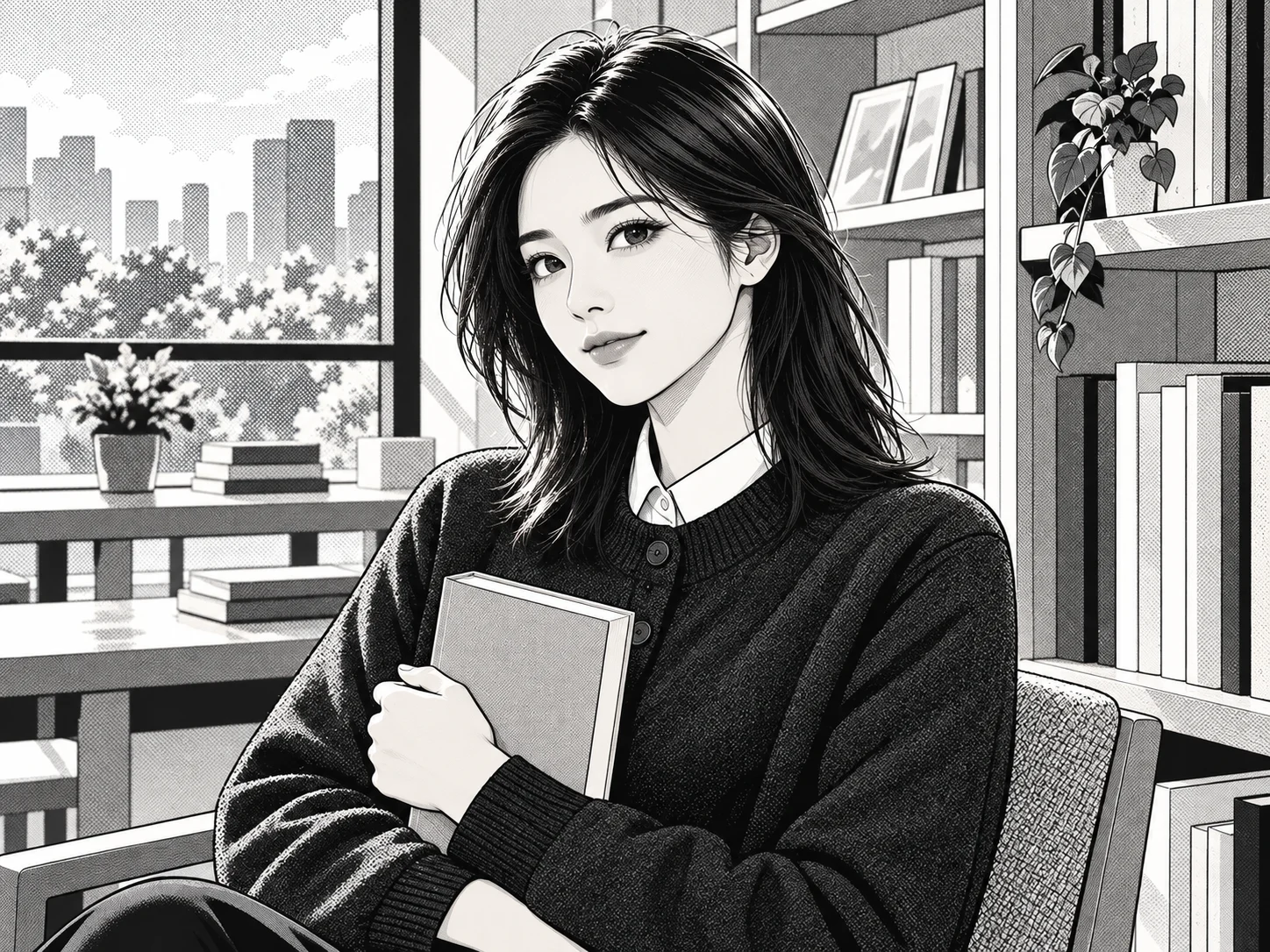
Reimagine a selfie, portrait, couple photo, pet, or landscape as polished manga artwork. Build expressive eyes, controlled monochrome tones, crisp contours, detailed hair, screentone shadows, and a clean comic atmosphere while keeping the source subject recognizable.

How to Use the Manga Filter
Upload a Clear Photo
Choose a well-lit selfie, portrait, couple photo, pet picture, or landscape with visible features and a simple composition. Clear edges and balanced lighting help produce cleaner manga linework.
Describe the Manga Direction
Use the prepared prompt or describe your preferred treatment. Ask for classic black-and-white manga, soft shojo tones, bold shonen energy, detailed seinen shading, a webcomic finish, or a simpler chibi interpretation.
Generate, Compare, and Download
Generate the manga version and review the identity, pose, line quality, screentones, facial expression, and background. Refine the prompt if you want stronger ink or softer shading, then download your preferred result.
Why Choose the Manga Filter
Combine Crisp Line Art With Manga Shading
Translate photo details into controlled contours, expressive eyes, separated hair strands, and layered screentones. The result gains the visual structure of a drawn comic panel instead of a simple color overlay.
Keep the Subject Recognizable
Use the uploaded image as the visual foundation so facial structure, expression, pose, clothing, accessories, and composition remain connected to the source while the rendering changes to manga art.
Explore Manga Styles Across Photo Types
Transform selfies, couples, profile images, pets, travel shots, and landscapes. Guide the same source toward monochrome manga, romantic shojo, energetic action panels, contemporary webcomics, or stylized character art.
Who Uses an AI Filter?
Social Media Creators
Transform portraits, pet photos, and everyday shots into eye-catching profile images, posts, Stories, and thumbnails.
Marketers and Small Businesses
Create stylized product photos, campaign visuals, and promotional graphics without a complex editing workflow.
Designers and Creative Hobbyists
Explore visual styles for mood boards, posters, stickers, personal artwork, and early design concepts.
FAQs About the Manga Filter
Turn Your Photo Into Manga Art With Filter AI
Upload a favorite image and rebuild it with crisp contours, expressive detail, and layered screentone shading. Sign up, use your trial credits, and create your manga version.