
Note: Auto only supports 1K. 1:1 does not support 4K.
Inverted Filter for Left-Right Face Comparison
Turn a selfie, portrait, or profile picture into a horizontal mirror view and compare it with the original orientation. Reverse the left and right sides while keeping the same identity, expression, colors, lighting, background, and visible detail.
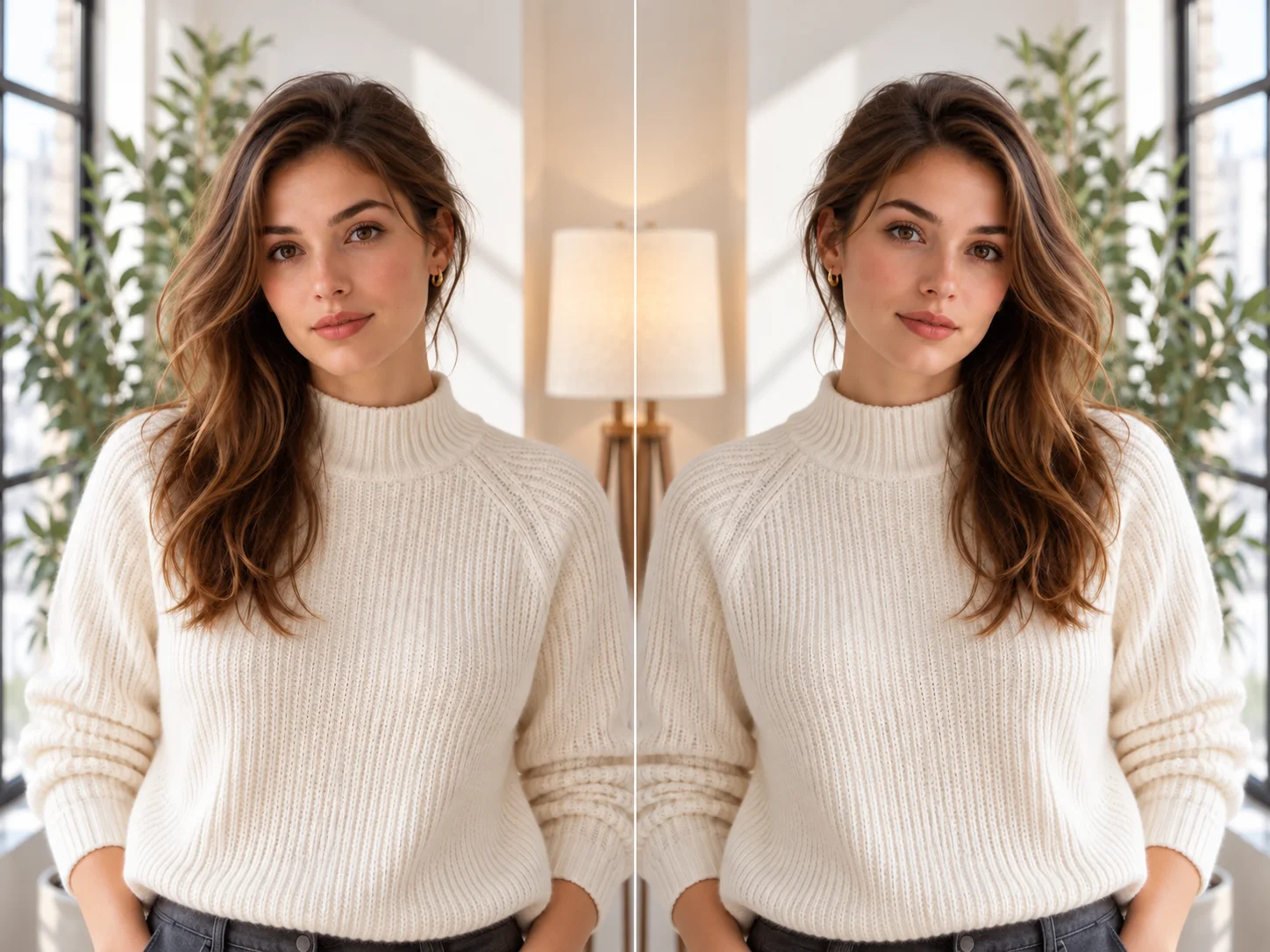
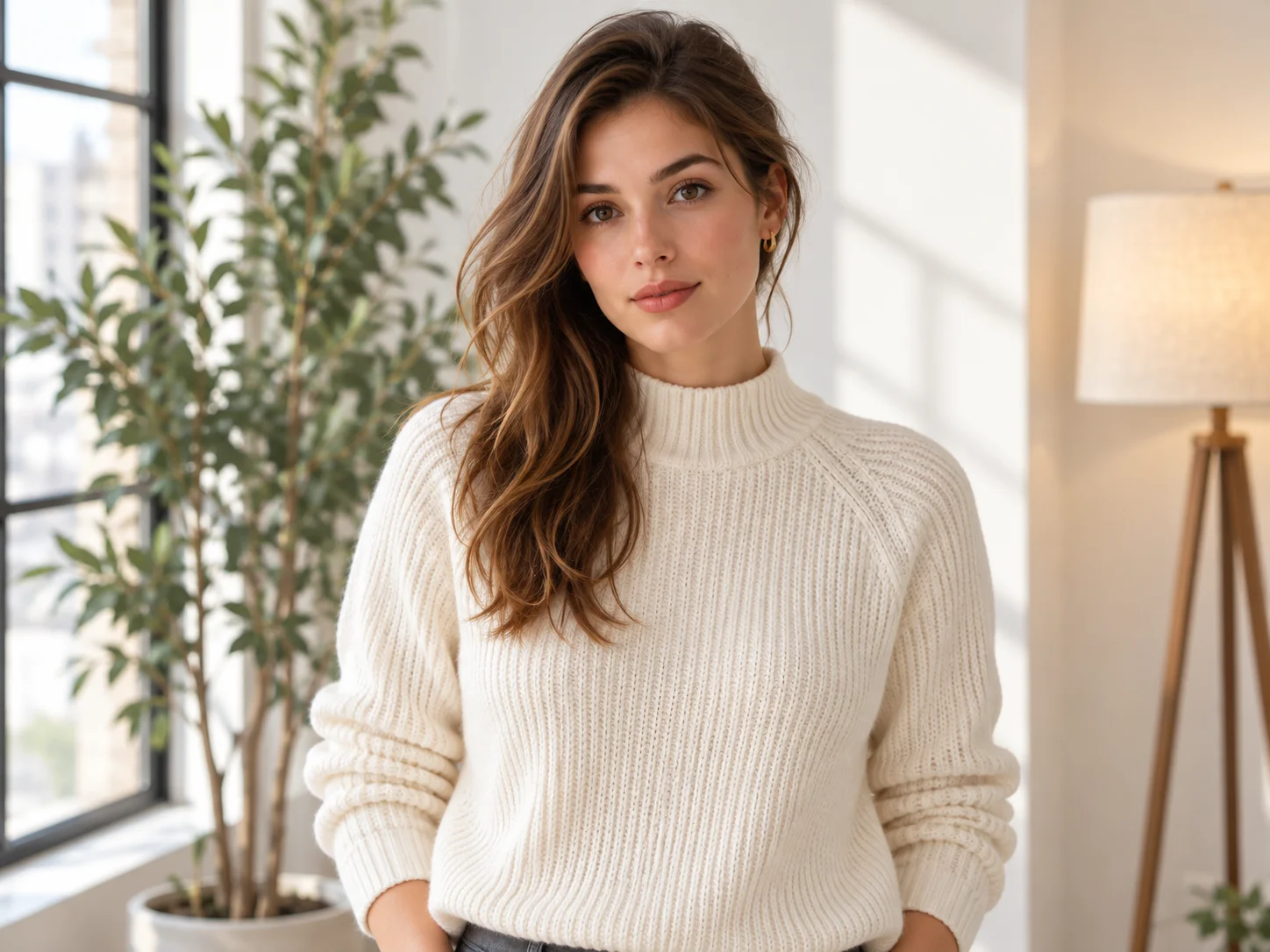
How to Use the Inverted Filter
Upload a Clear Portrait
Choose a front-facing selfie, portrait, or profile photo with balanced lighting and a clearly visible face. An image with slight left-right differences makes the mirrored orientation easier to compare.
Apply the Horizontal Mirror Effect
Use the prepared instruction to create an original-and-mirrored comparison. If needed, specify that the crop, background, color, expression, and portrait styling must stay unchanged while the image flips left to right.
Compare and Download
Generate the result and compare facial orientation, hair direction, background placement, and other asymmetric details. Check that color and lighting remain consistent, then download the version you need.
Why Choose the Inverted Filter
Create a Clean Horizontal Mirror View
Reverse the photo from left to right without rotating it or turning the colors into a negative. The mirrored result keeps the original tonal range, crop, and recognizable subject while changing only the viewing orientation.
Compare Orientation and Facial Symmetry
View the familiar selfie orientation beside its horizontal mirror to notice differences in hair, expression, facial balance, and composition. The comparison offers a visual reference rather than a scientific measure of appearance.
Preserve Natural Portrait Details
Keep facial features, skin tone, expression, clothing, background, lighting, texture, and image quality connected to the source. Consistent details make the left-right change easy to judge without unrelated edits.
Who Uses an AI Filter?
Social Media Creators
Transform portraits, pet photos, and everyday shots into eye-catching profile images, posts, Stories, and thumbnails.
Marketers and Small Businesses
Create stylized product photos, campaign visuals, and promotional graphics without a complex editing workflow.
Designers and Creative Hobbyists
Explore visual styles for mood boards, posters, stickers, personal artwork, and early design concepts.
FAQs About the Inverted Filter
Compare Your Mirror View With Filter AI
Upload a portrait and create a clear left-right mirror comparison while preserving its original colors, light, and details. Sign up, use your trial credits, and generate the inverted view.