
Note: Auto only supports 1K. 1:1 does not support 4K.
Horror Filter for Chilling AI Photo Transformations
Turn an ordinary portrait into a cinematic horror image while preserving recognizable facial features. Add ghostly light, zombie scars, vampire teeth, skull makeup, eerie shadows, or a distressed analog VHS mood.
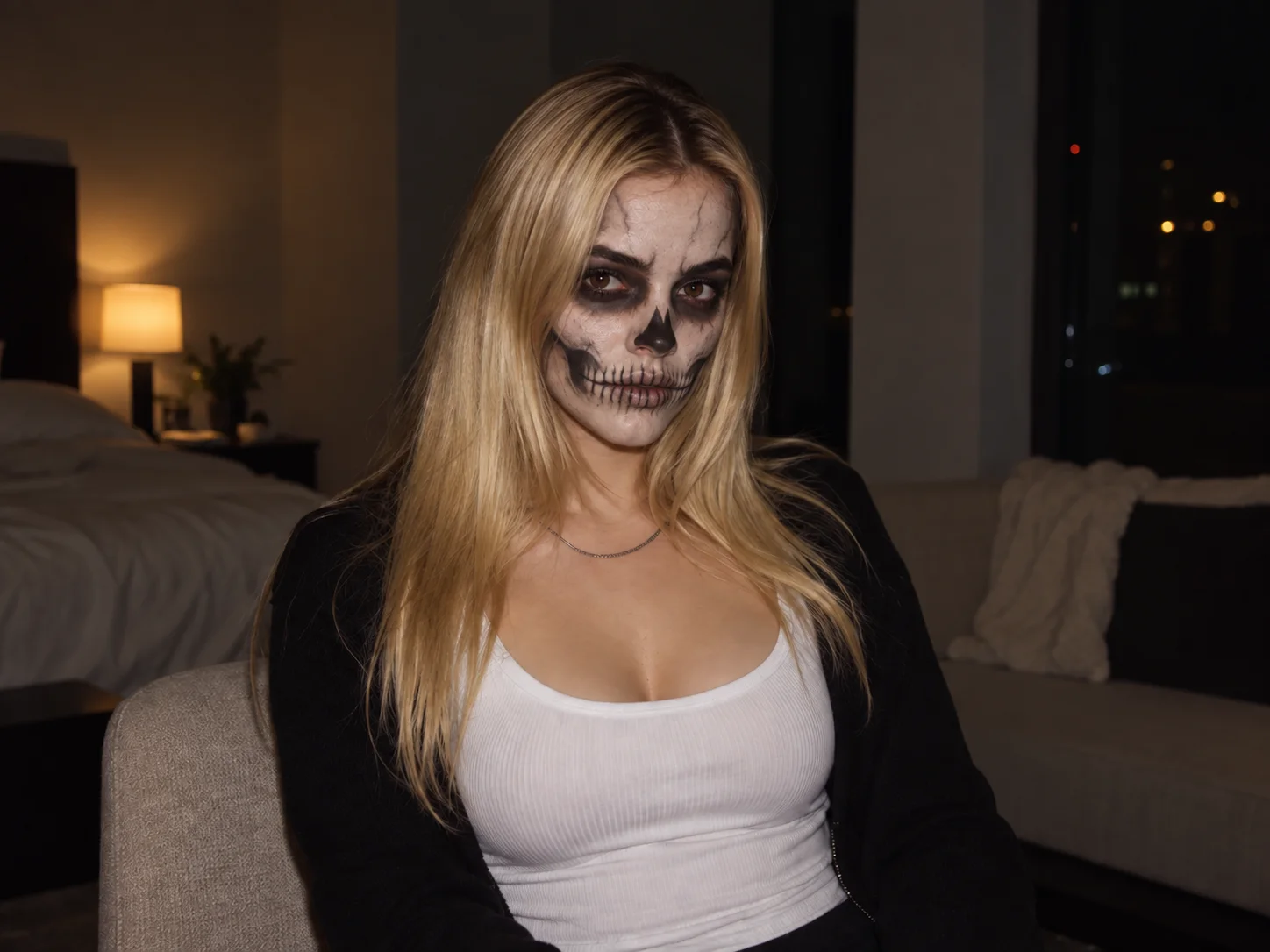
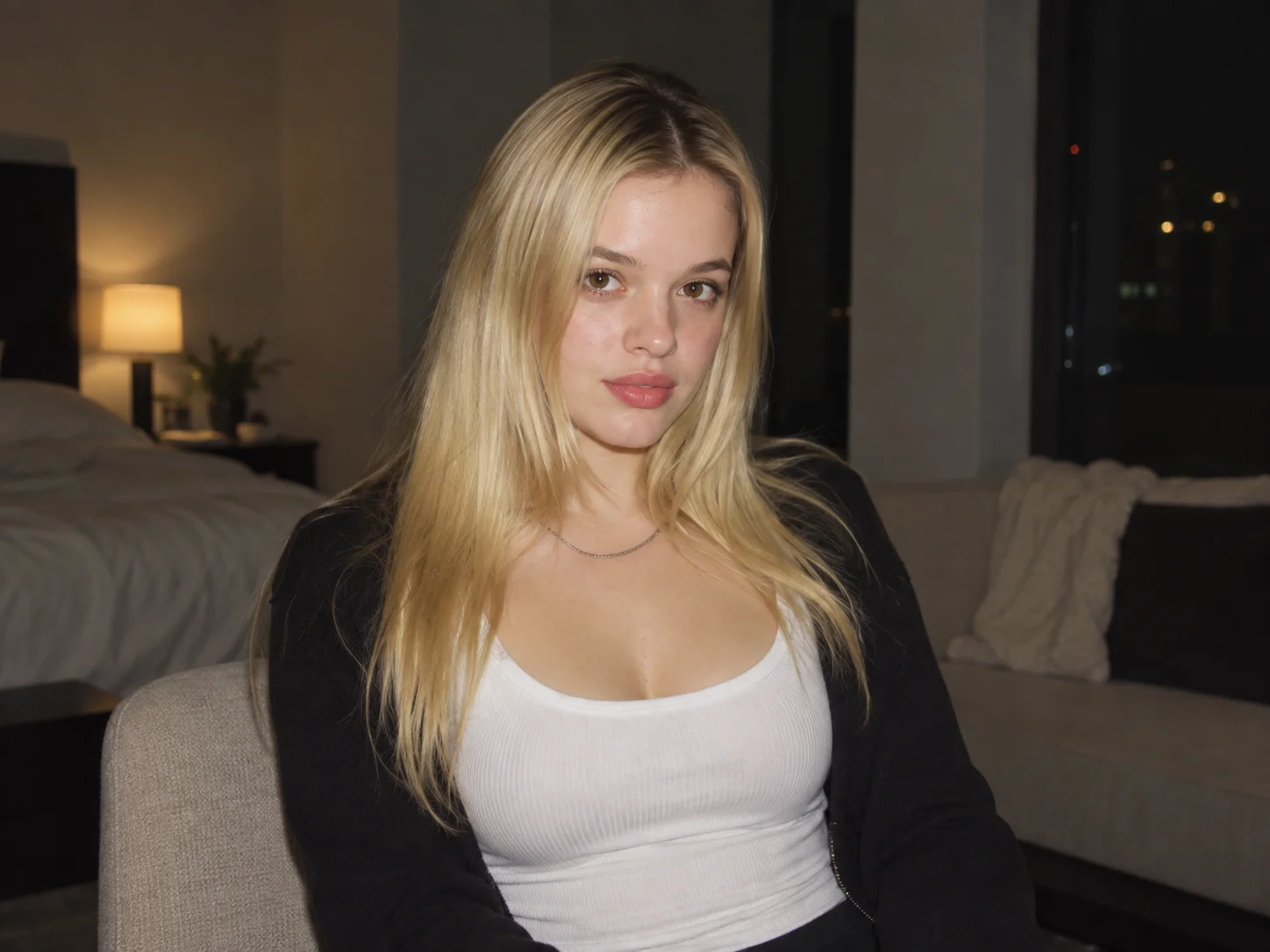
How to Use the Horror Filter
Upload Your Photo
Choose a clear portrait, selfie, pet photo, or scene you want to transform. A well-lit subject gives the AI more detail to preserve.
Describe the Horror Style
Enter the look you want, such as a ghostly aura, zombie scars, vampire teeth, skull makeup, haunted shadows, or analog VHS distortion.
Generate and Download
Generate your horror transformation, review the result, and refine the description if needed before downloading your finished image.
Why Choose the Horror Filter
Cinematic Horror While Keeping You Recognizable
Transform faces and scenes with eerie lighting, unsettling shadows, and detailed horror makeup while keeping the original subject recognizable.
From Classic Monsters to Analog Horror
Explore ghosts, zombies, vampires, skull faces, sinister clowns, gothic makeup, and found-footage looks with VHS noise, dim tones, and signal distortion.
Horror Visuals for Costumes and Creative Posts
Create spooky portraits for Halloween costumes, themed parties, profile images, invitations, posters, and social content without arranging a new photoshoot or elaborate makeup.
Who Uses an AI Filter?
Social Media Creators
Transform portraits, pet photos, and everyday shots into eye-catching profile images, posts, Stories, and thumbnails.
Marketers and Small Businesses
Create stylized product photos, campaign visuals, and promotional graphics without a complex editing workflow.
Designers and Creative Hobbyists
Explore visual styles for mood boards, posters, stickers, personal artwork, and early design concepts.
FAQs About the Horror Filter
Create a Chilling Portrait with the Horror Filter
Turn your photo into a ghostly, monstrous, or analog-horror scene with Filter AI. Sign up, use your trial credits, and create your first spooky transformation.