
Note: Auto only supports 1K. 1:1 does not support 4K.
Heart Filter With Dreamy Pink Bokeh
Transform a selfie, portrait, couple photo, pet picture, or special memory with floating heart lights, soft pink highlights, and creamy background bokeh. Create a polished romantic mood while keeping the main subject recognizable and visually balanced.
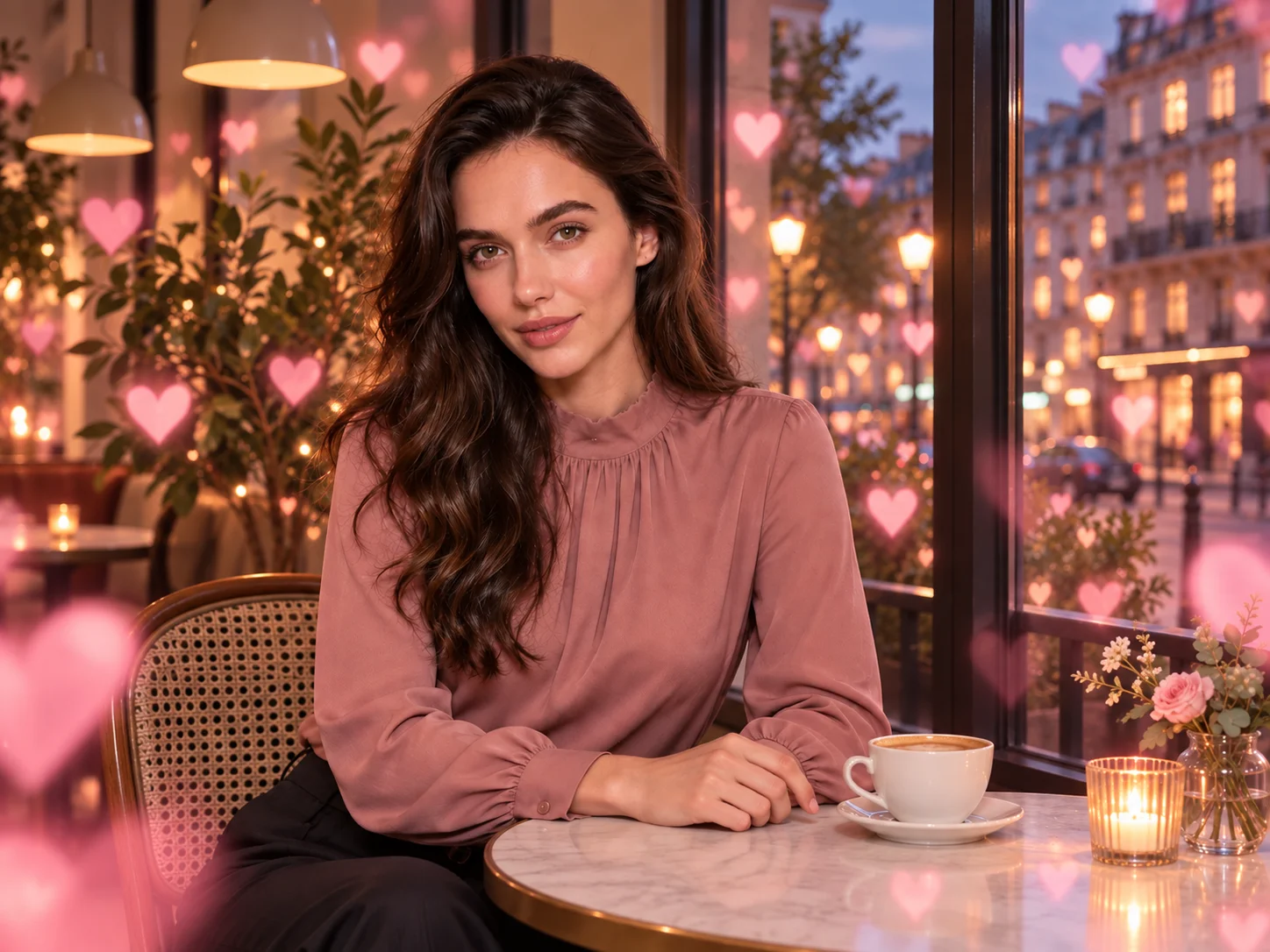
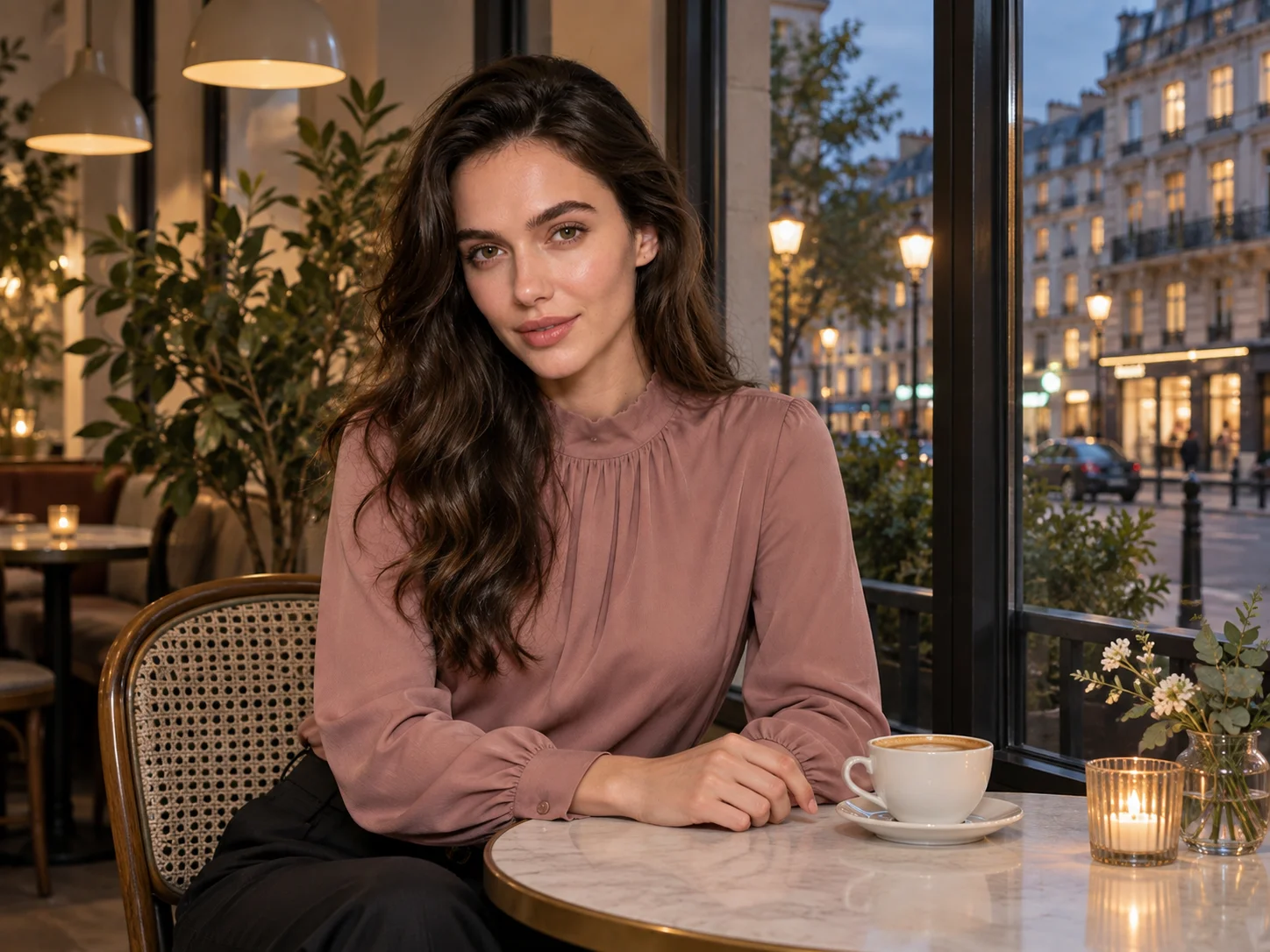
How to Use the Heart Filter
Upload Your Photo
Choose a clear, well-lit selfie, portrait, couple photo, pet picture, wedding image, or other meaningful shot. A visible subject and uncluttered background make the heart lights easier to place naturally.
Describe Your Heart Effect
Use the prepared prompt or specify the hearts you want. Adjust their color, number, size, placement, glow, foreground blur, background bokeh, and overall mood for a subtle, playful, or Valentine-inspired result.
Generate, Review, and Download
Generate the edited photo and compare the face, heart placement, lighting, and visual balance. Refine the prompt if you want a softer glow or more visible hearts, then download your preferred version.
Why Choose the Heart Filter
Build a Romantic Atmosphere Around the Subject
Add luminous hearts, pink highlights, and soft bokeh across the foreground and background. Layered light creates warmth and depth without reducing the photo to a simple sticker overlay.
Customize Hearts With Natural Language
Describe heart colors, shapes, scale, density, position, glow, and mood through the prompt. Move from subtle face-framing lights to a fuller Valentine composition without manually arranging every element.
Create for People, Pets, and Special Moments
Apply the effect to selfies, couples, weddings, anniversaries, pets, profile pictures, greeting cards, and social posts. Keep the source subject recognizable while giving each image a warm, affectionate visual style.
Who Uses an AI Filter?
Social Media Creators
Transform portraits, pet photos, and everyday shots into eye-catching profile images, posts, Stories, and thumbnails.
Marketers and Small Businesses
Create stylized product photos, campaign visuals, and promotional graphics without a complex editing workflow.
Designers and Creative Hobbyists
Explore visual styles for mood boards, posters, stickers, personal artwork, and early design concepts.
FAQs About the Heart Filter
Create a Romantic Heart Photo With Filter AI
Upload a favorite photo and surround the subject with glowing hearts, pink highlights, and dreamy bokeh. Sign up, use your trial credits, and create your heart-filtered image.