
Note: Auto only supports 1K. 1:1 does not support 4K.
Grain Filter for Natural Analog Film Texture
Transform clean digital photos with fine, organic film grain that adds tactile texture and cinematic depth while keeping subjects, composition, color, and essential details recognizable.
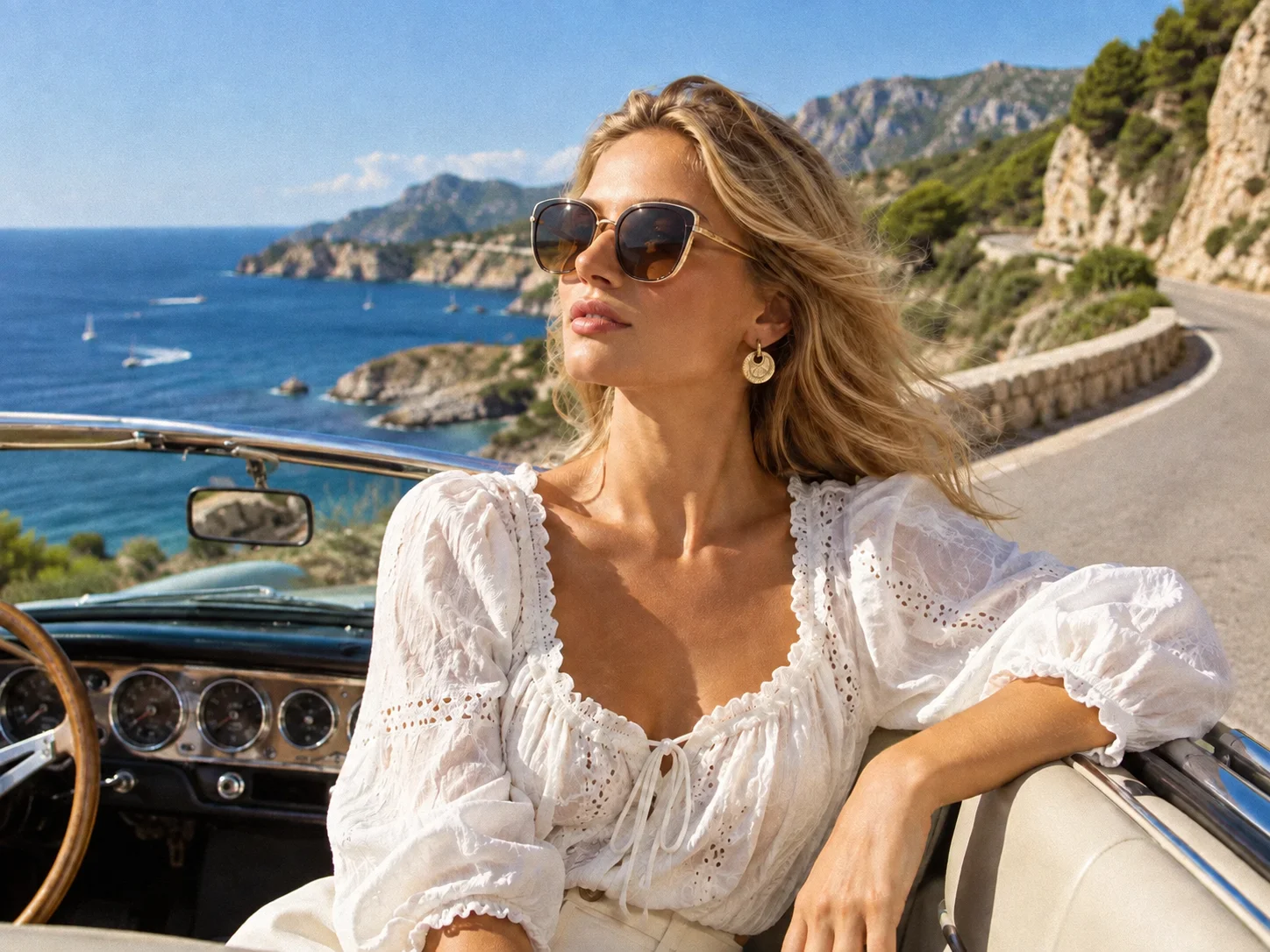

How to Add Grain to a Photo
Upload Your Photo
Choose a clear JPG, PNG, or WEBP image. Portraits, street scenes, landscapes, products, and black-and-white photos all work well.
Generate the Grain Effect
Click Generate to apply a balanced grain filter with natural random variation across highlights, midtones, and shadows.
Download Your Image
Review the film-like texture, then download the finished image for social posts, design projects, or personal collections.
Why Choose the Filter AI Grain Filter
Natural Film Texture Without Harsh Digital Noise
Add fine, organic grain with subtle random variation for an analog character that feels integrated with the photograph instead of pasted on top.
Preserve Subjects, Color, and Fine Details
The effect focuses on texture while protecting faces, objects, composition, exposure, and important visual details from unnecessary changes.
Create Cinematic, Vintage, or Gritty Moods
Give portraits, street photography, landscapes, and artwork a tactile finish that can feel polished and cinematic or raw and expressive.
Who Uses an AI Filter?
Social Media Creators
Transform portraits, pet photos, and everyday shots into eye-catching profile images, posts, Stories, and thumbnails.
Marketers and Small Businesses
Create stylized product photos, campaign visuals, and promotional graphics without a complex editing workflow.
Designers and Creative Hobbyists
Explore visual styles for mood boards, posters, stickers, personal artwork, and early design concepts.
FAQs About the Grain Filter
Create a Film Look with the Grain Filter
Upload a photo and let Filter AI add natural analog grain for a more tactile, cinematic, and expressive finish.