
Note: Auto only supports 1K. 1:1 does not support 4K.
Fish Eye Filter for Bold Curved Perspective
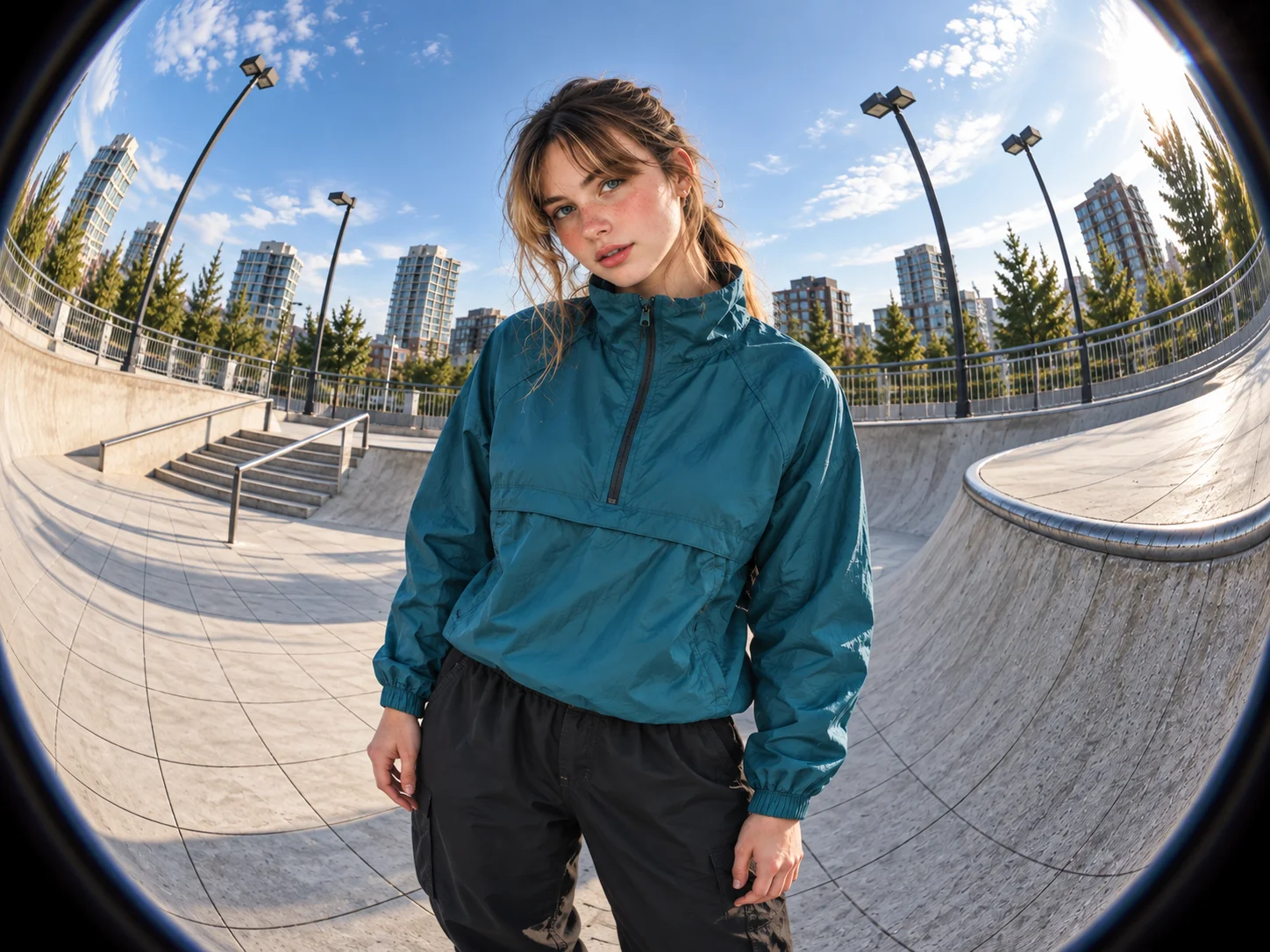
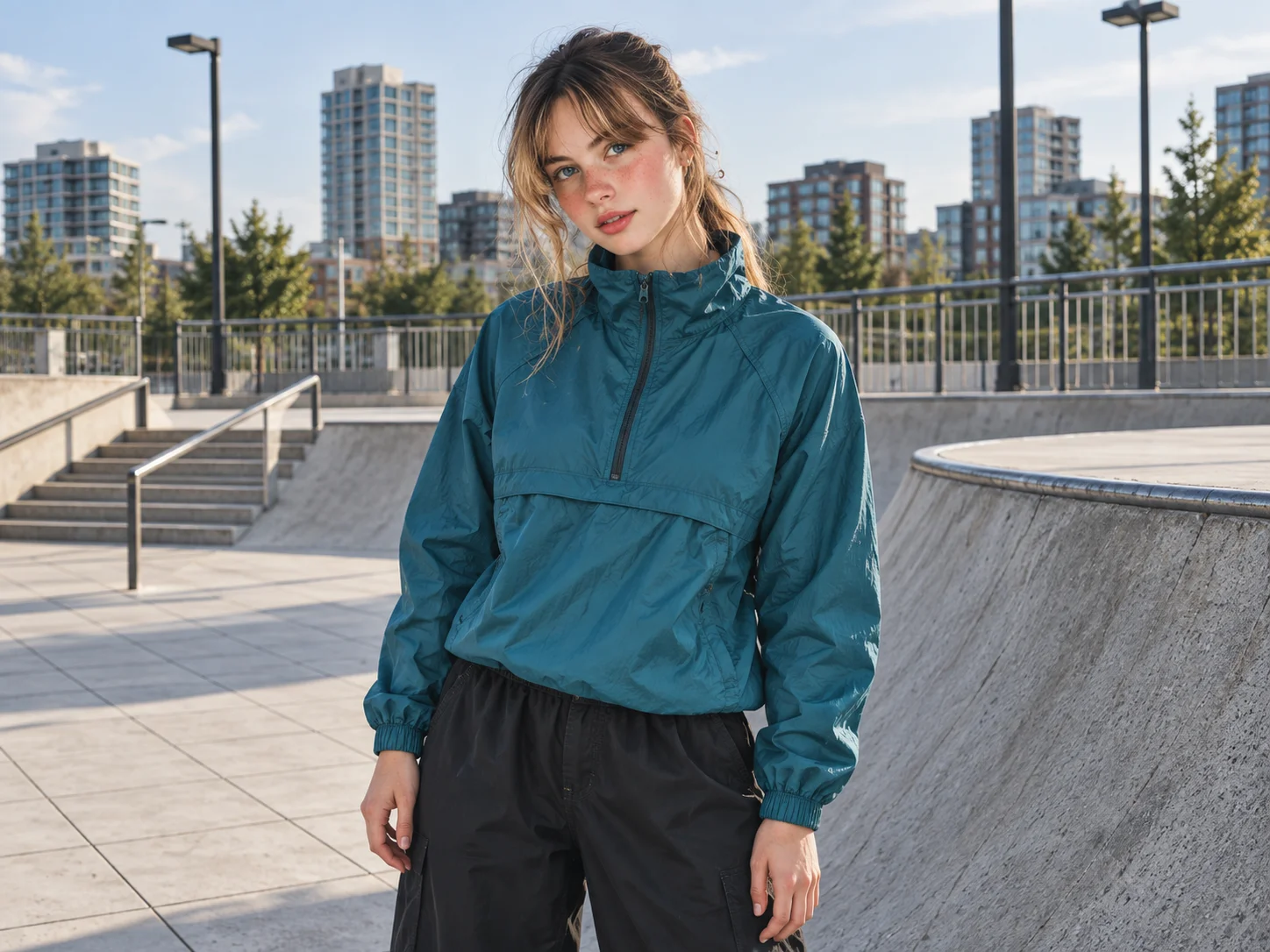
Turn an ordinary portrait, pet photo, street scene, or architectural image into a dramatic fisheye composition. Expand the center, curve lines toward the edges, and build an immersive ultra-wide perspective while keeping the subject recognizable and the scene visually balanced.
How to Use the Fish Eye Filter
Upload Your Photo
Choose a clear portrait, selfie, pet photo, street scene, building, or landscape. Images with a distinct central subject and visible background lines make the curved perspective easier to see.
Describe the Fisheye Effect
Use the prepared prompt or describe the distortion you want. Ask for a subtle wide-angle bend, stronger barrel distortion, exaggerated center scale, curved edges, or a circular Y2K and skate-video look.
Generate, Review, and Download
Generate the image and check the subject, facial details, edge curvature, depth, and overall balance. Refine the prompt if the effect feels too strong or too subtle, then download your preferred result.
Why Choose the Fish Eye Filter
Recreate a Distinctive Fisheye Perspective
Add the rounded center, curved straight lines, stretched edges, and expanded field of view associated with a real fisheye lens. The transformed perspective gives flat photos a stronger sense of depth and motion.
Control Curvature Through Your Prompt
Guide the visual strength from a gentle wide-angle warp to an extreme circular bend. Describe curvature, distortion, center focus, edge treatment, and depth to shape a result that matches your creative direction.
Transform Many Types of Photos
Apply the effect to portraits, selfies, pets, group photos, skateboarding shots, streets, architecture, interiors, and landscapes. Each subject gains a bold visual character suited to profiles, posts, memes, and experimental artwork.
Who Uses an AI Filter?
Social Media Creators
Transform portraits, pet photos, and everyday shots into eye-catching profile images, posts, Stories, and thumbnails.
Marketers and Small Businesses
Create stylized product photos, campaign visuals, and promotional graphics without a complex editing workflow.
Designers and Creative Hobbyists
Explore visual styles for mood boards, posters, stickers, personal artwork, and early design concepts.
FAQs About the Fish Eye Filter
Create a Striking Fisheye Photo With Filter AI
Upload a photo and reshape it with curved edges, expanded depth, and an immersive wide-angle perspective. Sign up, use your trial credits, and generate your fisheye result.