
Note: Auto only supports 1K. 1:1 does not support 4K.
Bold Glamour Filter for a Camera-Ready Makeup Look
Give your portrait a more defined, polished look with luminous skin, expressive eyes and brows, refined lips, and softly sculpted contours. The glamour effect follows your face and the photo's lighting so the result still feels like you.
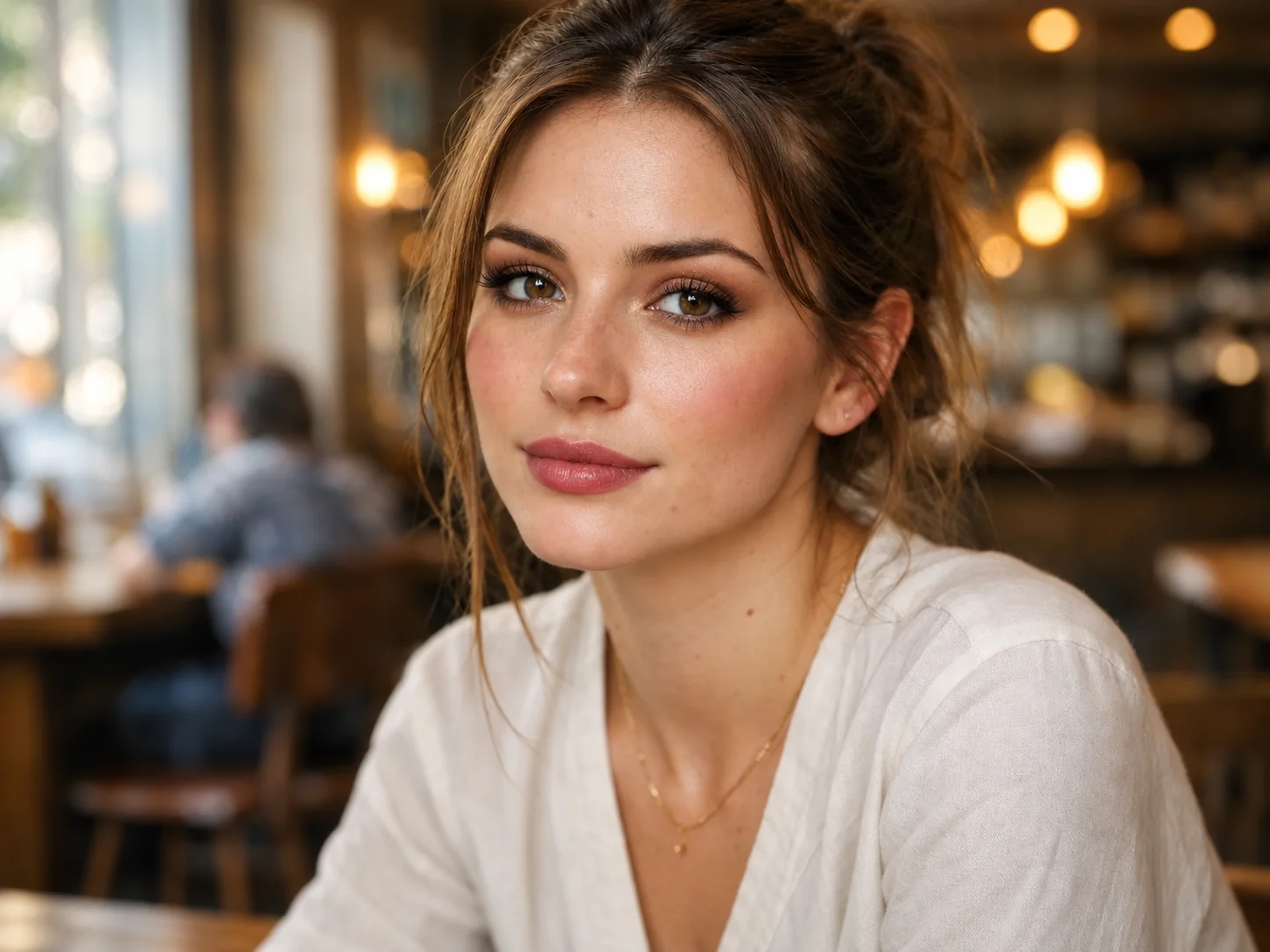
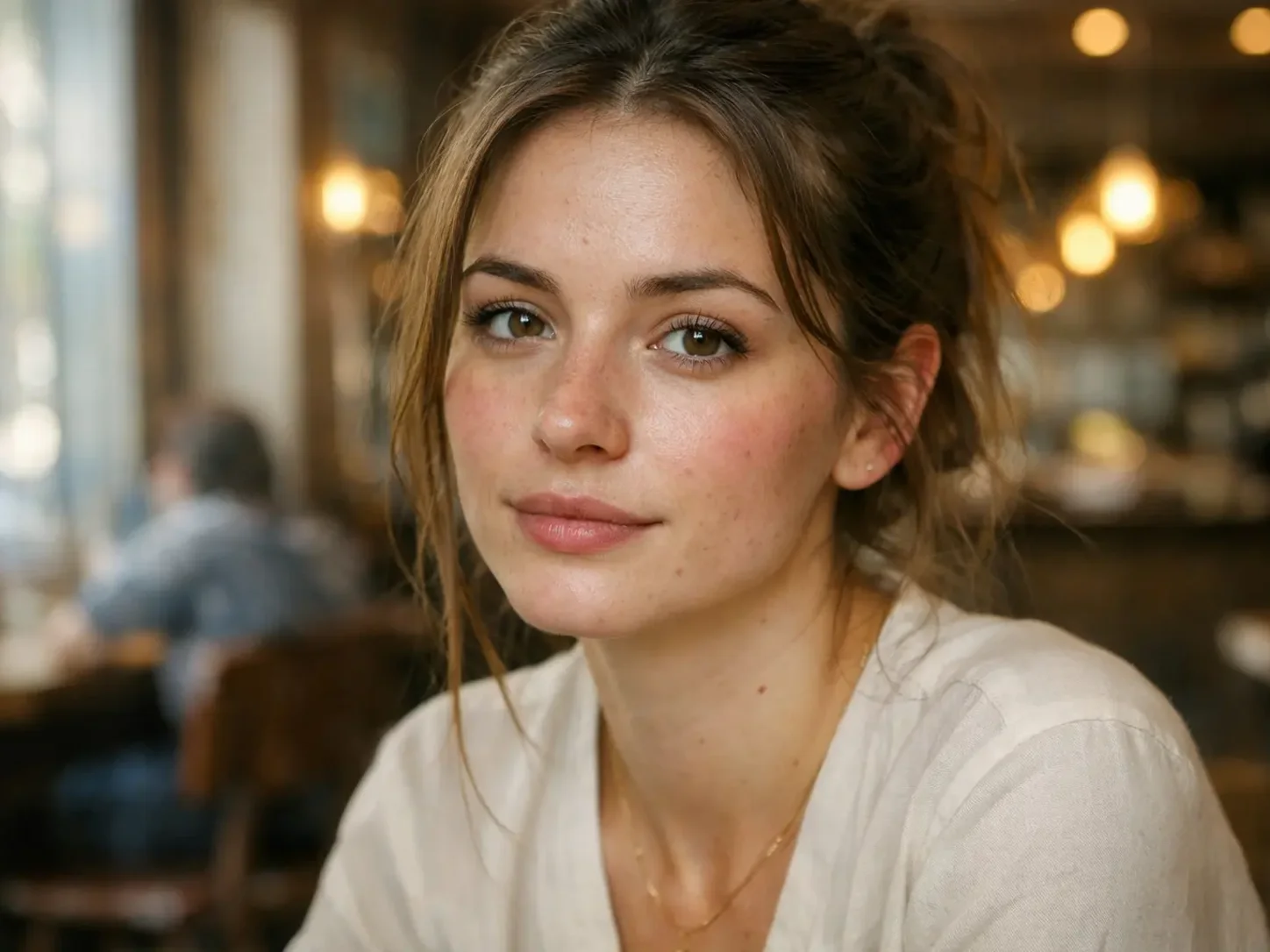
How to Use the Bold Glamour Filter
Upload a Clear Portrait
Choose a selfie or close-up portrait with visible facial details and even lighting so the makeup effect has a clear base.
Describe Your Glam Look
Use the default prompt, or adjust it to emphasize the eyes, brows, lips, or contours you want to bring forward.
Review and Save
Generate the edited portrait, check that the glamour look suits your face, and download the result you like.
Why Try Filter AI's Bold Glamour Filter
Makeup with Facial Detail
Bring out the eyes, brows, lips, and cheekbones together for a cohesive glam look instead of a single generic beauty adjustment.
A Polished Look That Still Feels Personal
The effect aims to keep your facial structure, expression, and original lighting recognizable as it adds definition and glow.
A Portrait Ready to Compare and Share
Explore a more dramatic makeup direction on a selfie or profile picture before choosing the version that fits your post or profile.
Who Uses an AI Filter?
Social Media Creators
Transform portraits, pet photos, and everyday shots into eye-catching profile images, posts, Stories, and thumbnails.
Marketers and Small Businesses
Create stylized product photos, campaign visuals, and promotional graphics without a complex editing workflow.
Designers and Creative Hobbyists
Explore visual styles for mood boards, posters, stickers, personal artwork, and early design concepts.
Bold Glamour Filter FAQs
See Your Bold Glamour Look
Upload a portrait to Filter AI and explore a refined makeup look that keeps your face at the center.