
Note: Auto only supports 1K. 1:1 does not support 4K.
Black and White Filter With Balanced Grayscale Detail
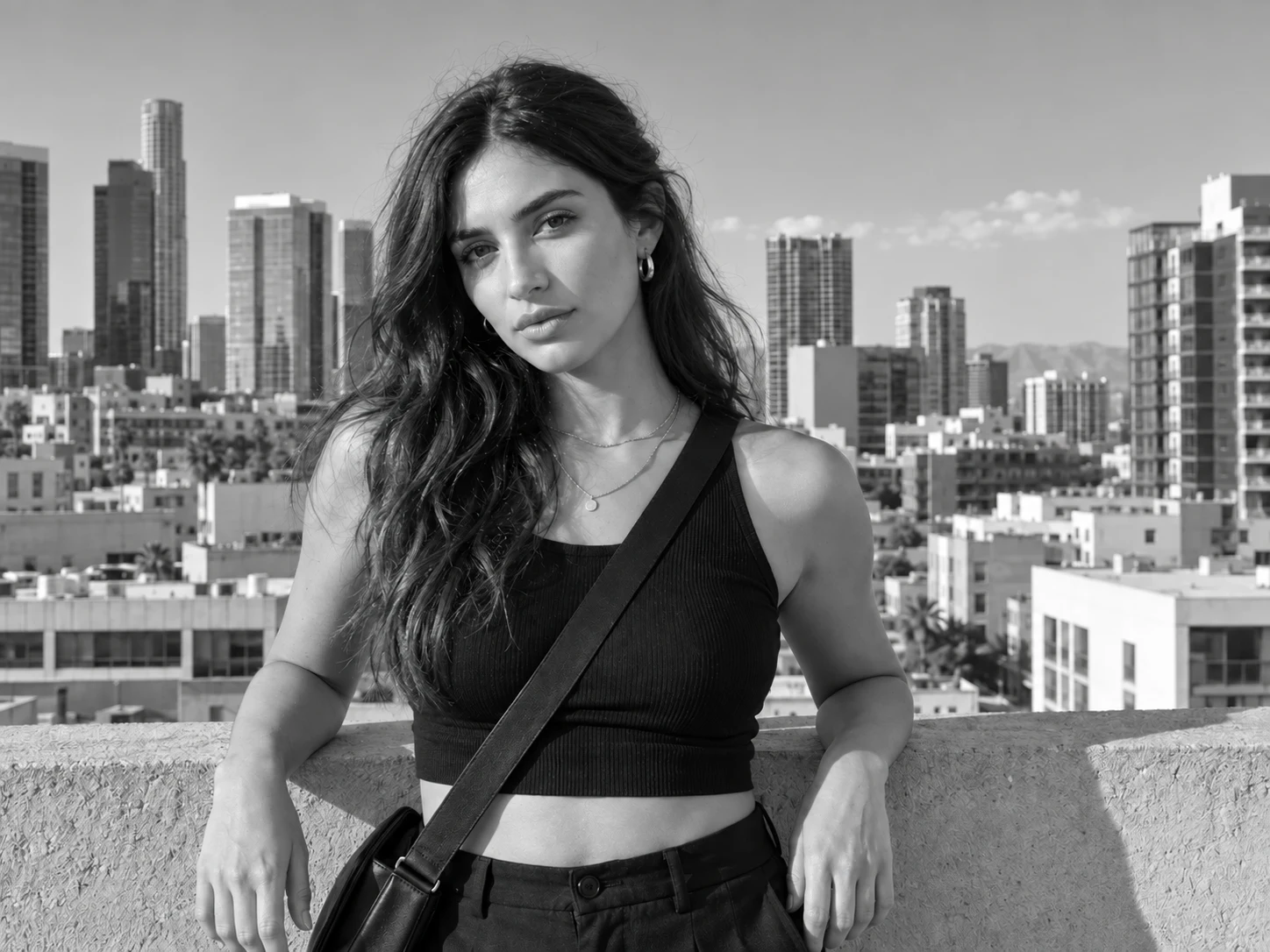
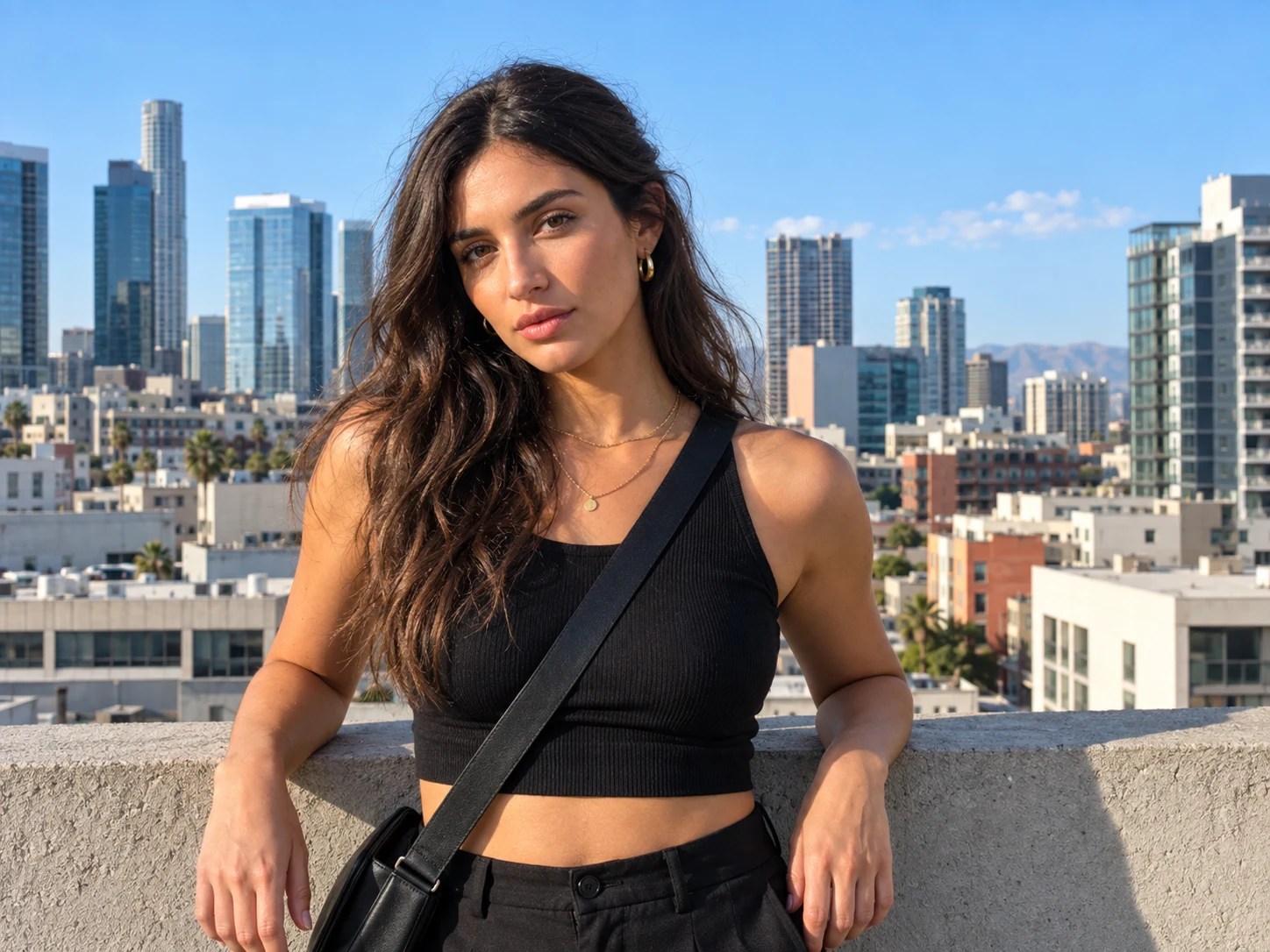
Use the black and white photo filter to turn a color portrait, product image, landscape, or creative photo into clean monochrome. Preserve texture and sharpness while translating color into natural highlights, midtones, shadows, and dimensional contrast.
How to Use the Black and White Filter
Upload Your Image
Choose a clear color portrait, product photo, landscape, artwork, or other image you want to convert. The original composition and visible details provide the foundation for the monochrome result.
Describe the Monochrome Treatment
Apply a natural black-and-white conversion or describe the tonal balance you prefer. You can ask for stronger contrast, softer grayscale, brighter highlights, deeper shadows, or balanced neutral tones.
Preview and Download
Generate the black-and-white version and inspect the subject, texture, and tonal separation. Refine the description if the result looks too flat, dark, or bright, then download your preferred image.
Why Choose the Black and White Filter
Preserve the Original Image Content
Convert the image to grayscale while keeping faces, expressions, objects, products, backgrounds, composition, perspective, texture, and fine details connected to the source.
Create Depth With Balanced Tones
Map color differences into distinct gray values so highlights, midtones, and shadows remain clear. Natural tonal separation helps the result avoid looking washed out, muddy, or flat.
Shape a Monochrome Look for Any Subject
Apply black and white treatment to portraits, street scenes, landscapes, products, interiors, food, artwork, and professional visuals. Adjust contrast and brightness to support a classic, dramatic, or soft photographic mood.
Who Uses an AI Filter?
Social Media Creators
Transform portraits, pet photos, and everyday shots into eye-catching profile images, posts, Stories, and thumbnails.
Marketers and Small Businesses
Create stylized product photos, campaign visuals, and promotional graphics without a complex editing workflow.
Designers and Creative Hobbyists
Explore visual styles for mood boards, posters, stickers, personal artwork, and early design concepts.
FAQs About the Black and White Filter
Create Timeless Monochrome Photos With Filter AI
Upload a color image and turn it into balanced black and white with clear texture, natural tonal separation, and preserved detail. Sign up, use your trial credits, and create your monochrome version.