
Note: Auto only supports 1K. 1:1 does not support 4K.
Beauty Filter for Natural Face Contours
Explore a gently slimmer, more defined portrait with refined cheekbones and a softly sculpted jawline. Keep your recognizable face, expression, hairstyle, and the original feel of your selfie while giving facial contours a polished finish.
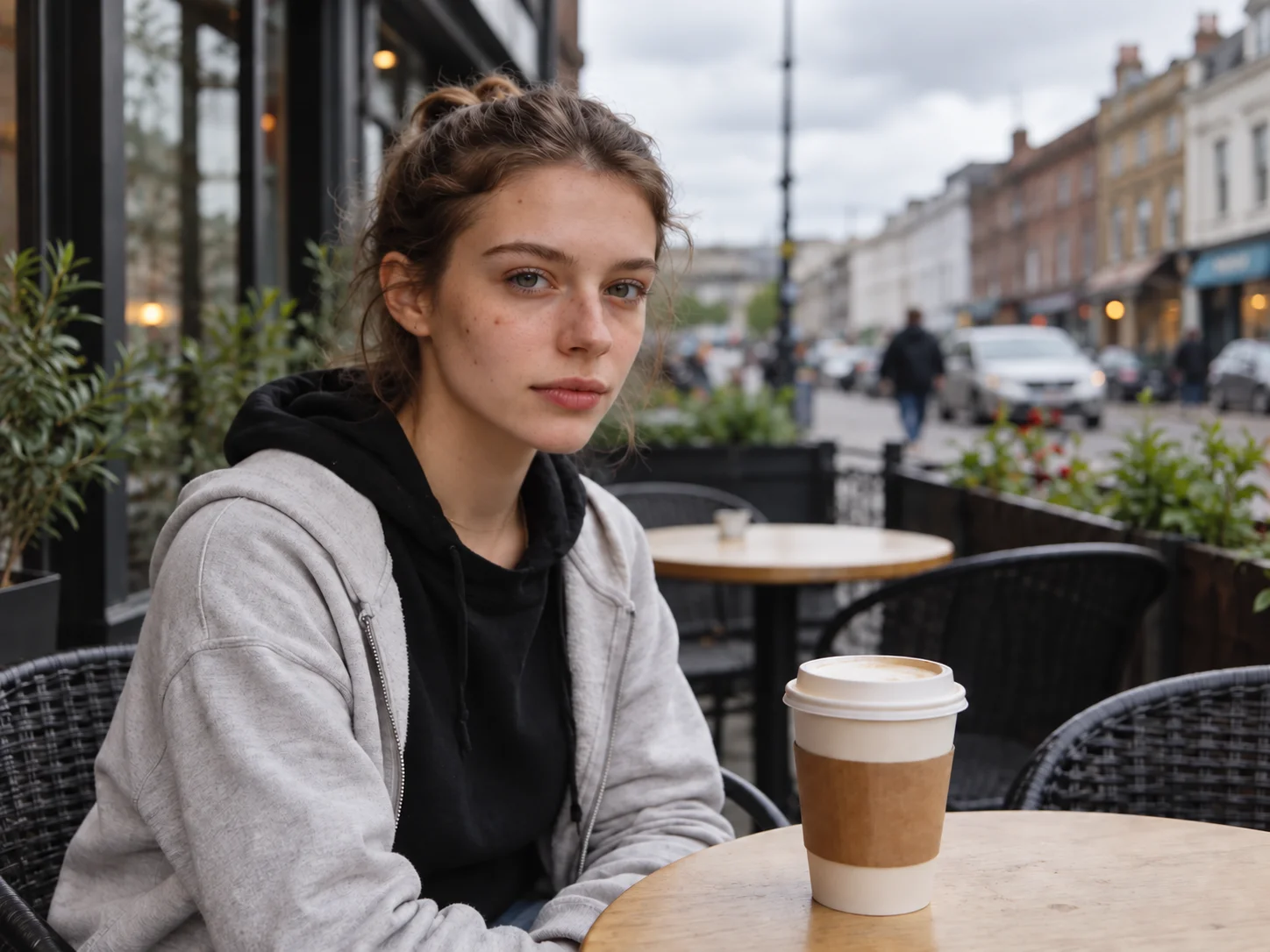
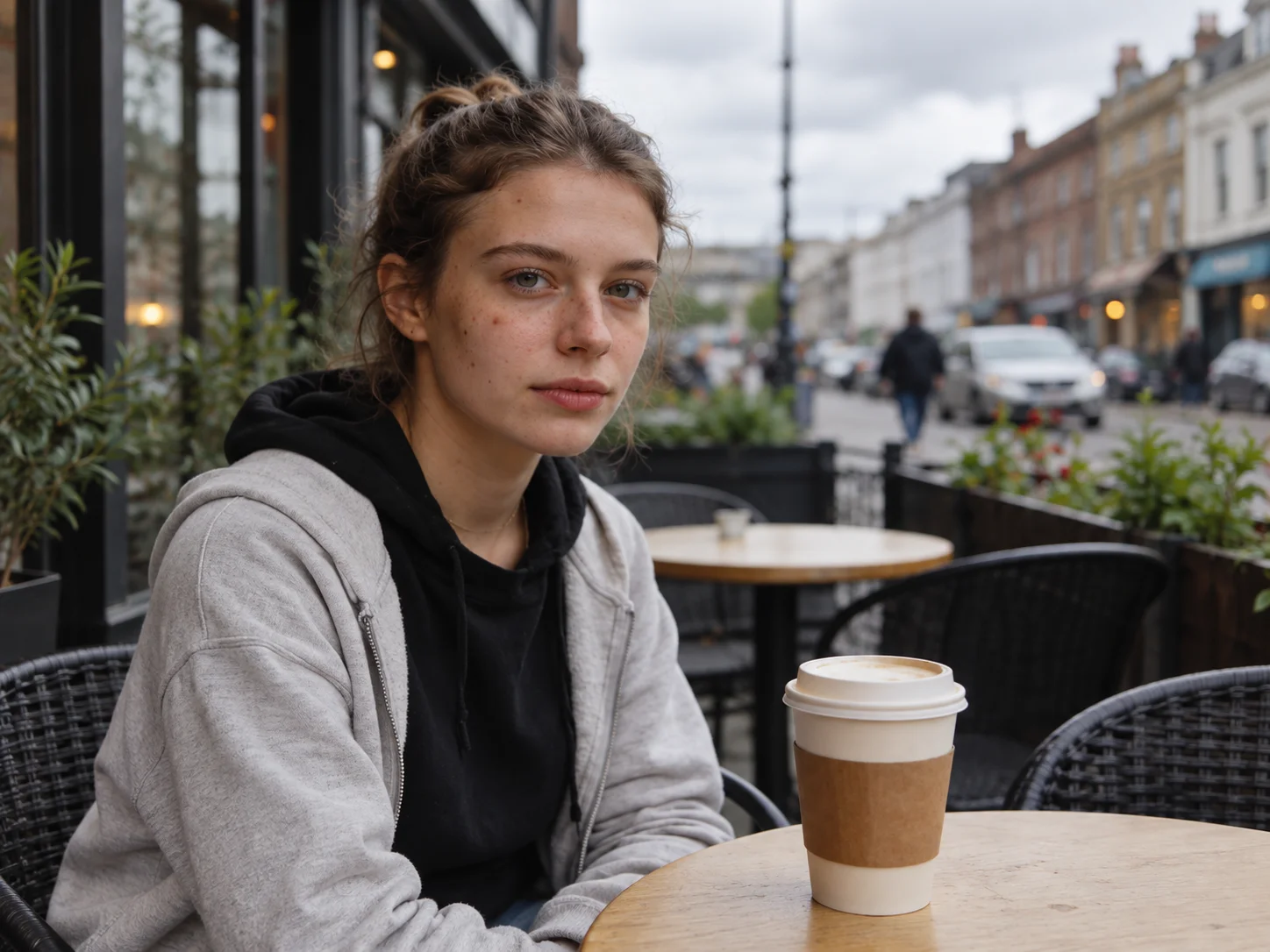
How to Use the Beauty Filter
Upload a Clear Selfie
Choose a well-lit portrait with one visible face so the edit can follow your natural facial features and contours.
Describe Your Preferred Look
Start with the face-contour effect, or edit the prompt to request a lighter or more defined result before generating.
Preview and Download
Compare the result with your original photo, then save the version that feels most like you.
Why Try Filter AI's Beauty Filter
A Softer, More Defined Face Shape
Reduce cheek fullness gently and bring out the cheekbones and jawline for a more sculpted look without changing the whole portrait.
Keep Your Expression and Identity
The contour edit aims to retain your familiar eyes, smile, hairstyle, and pose, so the enhanced photo still feels personal.
A Polished Portrait with Natural Detail
Balance the shape of the face while keeping the original clothing, background, and lighting, for a result suited to selfies and profile photos.
Who Uses an AI Filter?
Social Media Creators
Transform portraits, pet photos, and everyday shots into eye-catching profile images, posts, Stories, and thumbnails.
Marketers and Small Businesses
Create stylized product photos, campaign visuals, and promotional graphics without a complex editing workflow.
Designers and Creative Hobbyists
Explore visual styles for mood boards, posters, stickers, personal artwork, and early design concepts.
Beauty Filter FAQs
See a Naturally Refined You
Upload a portrait and explore a gently slimmer face shape with more defined cheekbones and jawline while keeping your familiar look.