
Note: Auto only supports 1K. 1:1 does not support 4K.
Bangs Filter for a Realistic Virtual Try-On
See how a new fringe frames your face before visiting the salon. Add straight-across, curtain, wispy, side-swept, curly, or micro bangs that follow your hairline and blend with your existing color, texture, thickness, and lighting.
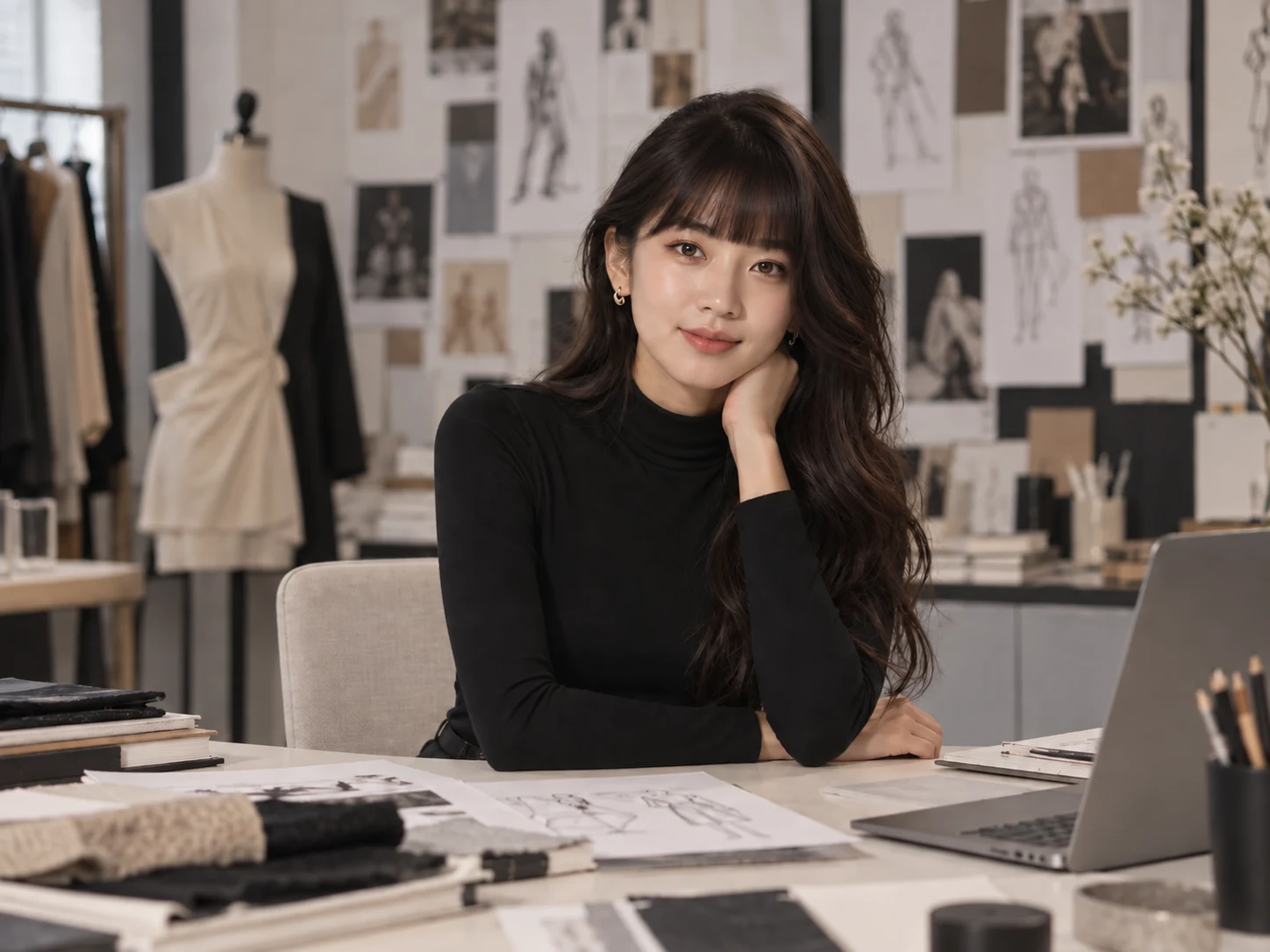
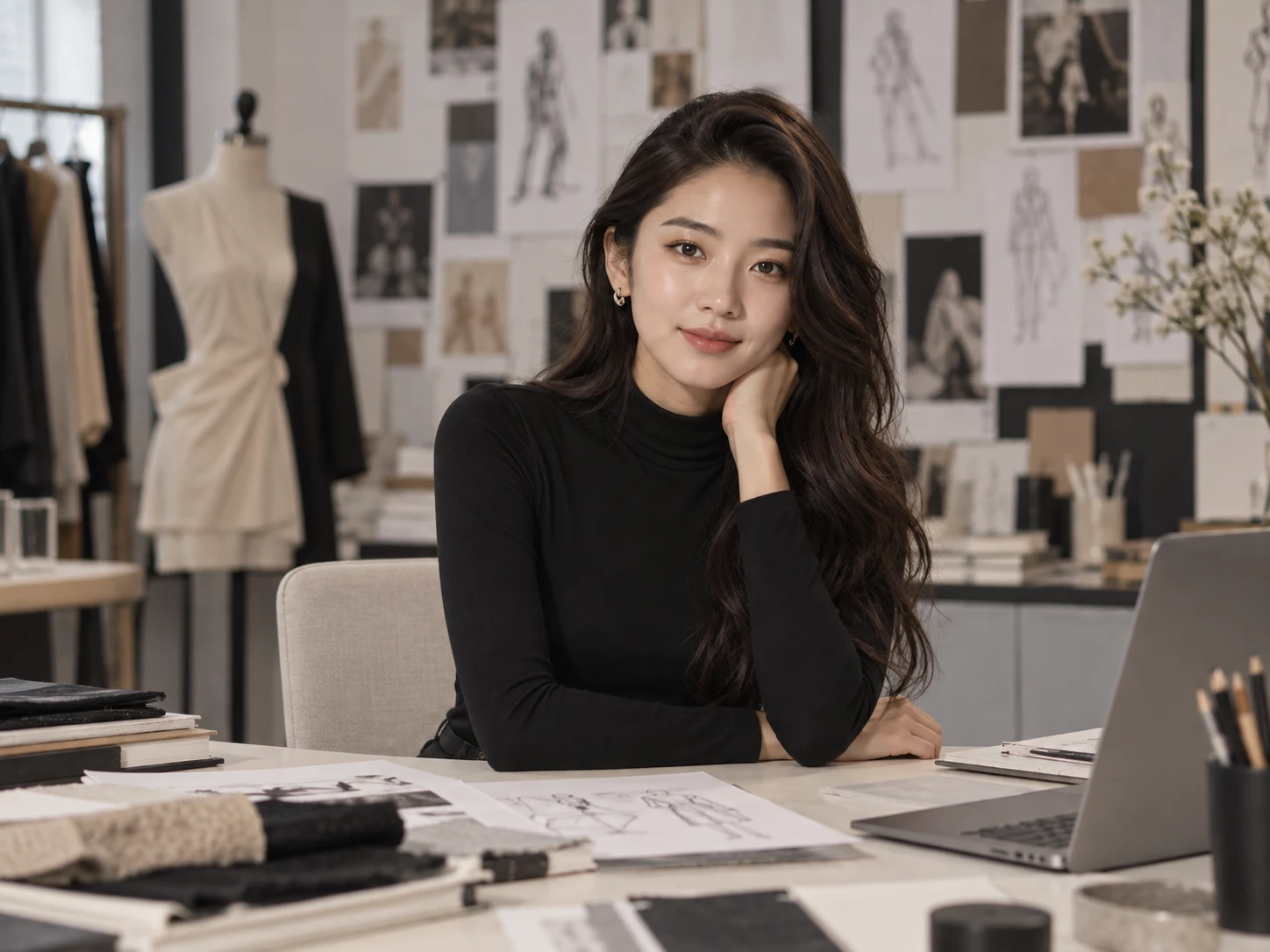
How to Use the Bangs Filter
Upload a Clear Portrait
Choose a well-lit, front-facing photo that shows your full face, forehead, hairline, and existing hairstyle. Keep hats, scarves, headphones, and other hair obstructions out of the frame when possible.
Describe the Bangs You Want
Specify the fringe style, length, thickness, texture, and parting. For example, ask for soft curtain bangs parted in the middle, a blunt fringe at eyebrow level, or light wispy bangs that blend into the sides.
Generate, Compare, and Download
Generate your bangs preview and check how it fits your face and current hairstyle. Adjust the description or try another fringe, then download the version that best supports your haircut decision.
Why Choose the Bangs Filter
Bangs That Blend With Your Existing Hair
The AI works from your hairline, face shape, hair color, texture, thickness, and natural movement to create fringe that belongs with the original hairstyle instead of looking like a flat overlay.
Explore Fringe Styles in Detail
Compare curtain, straight-across, blunt, wispy, side-swept, curly, choppy, retro, or micro bangs. Describe the length, density, parting, and finish to shape a look around your preferences.
Preview a Haircut Before the Salon
Test how different bangs frame your forehead and balance your face without cutting your real hair. Save a preferred result as a visual reference when discussing the style with a hairstylist.
Who Uses an AI Filter?
Social Media Creators
Transform portraits, pet photos, and everyday shots into eye-catching profile images, posts, Stories, and thumbnails.
Marketers and Small Businesses
Create stylized product photos, campaign visuals, and promotional graphics without a complex editing workflow.
Designers and Creative Hobbyists
Explore visual styles for mood boards, posters, stickers, personal artwork, and early design concepts.
FAQs About the Bangs Filter
Try a New Fringe With Filter AI
Upload a portrait, describe the bangs you are considering, and preview a natural-looking hairstyle before making the cut. Sign up, use your trial credits, and compare your favorite looks.