
Note: Auto only supports 1K. 1:1 does not support 4K.
Avatar Filter for a Blue Fantasy Transformation
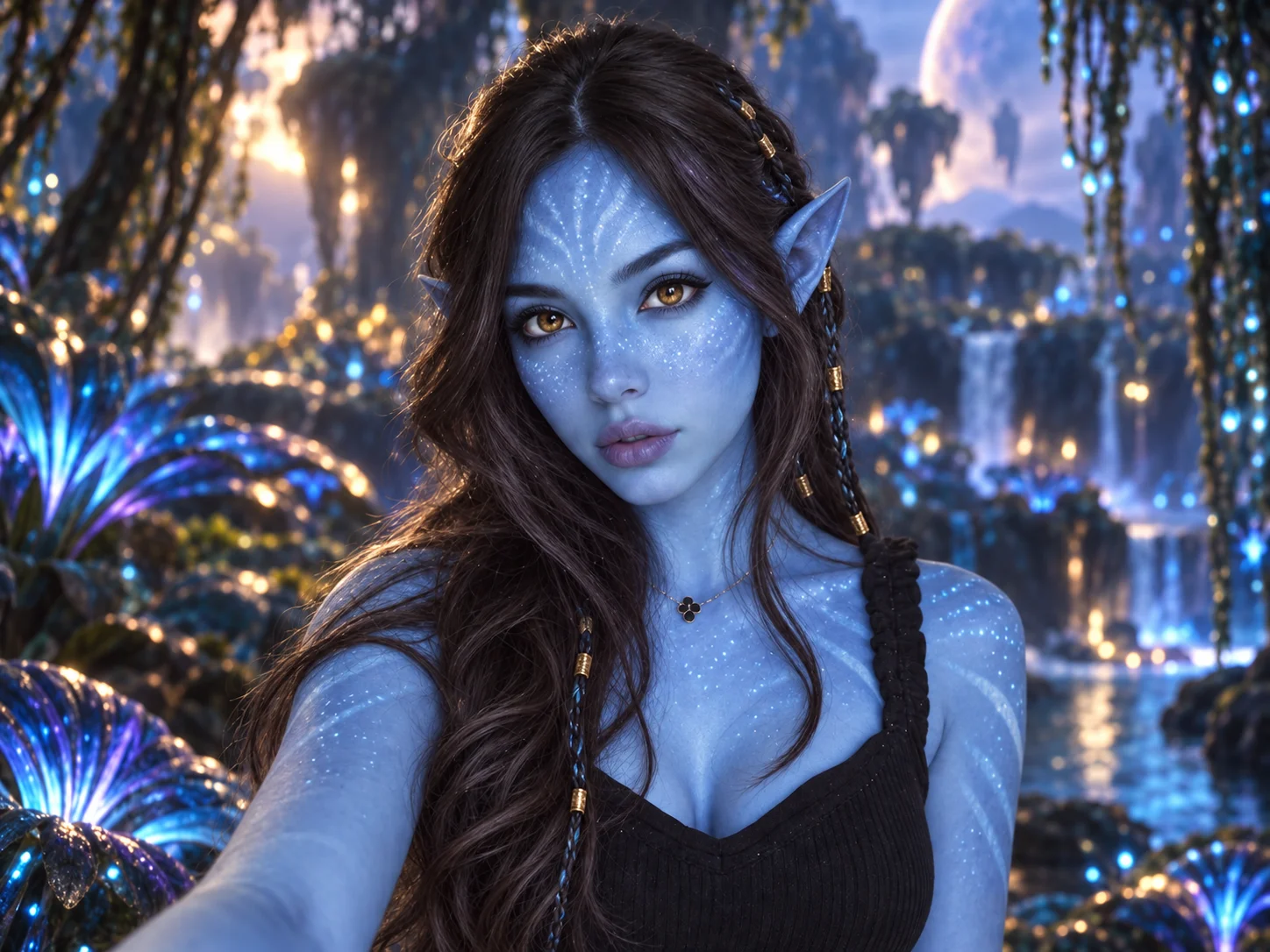
Step into a luminous alien world as a blue-skinned character with golden eyes, gently pointed ears, and delicate glowing freckles. Keep your recognizable face and expression while an atmospheric forest and cinematic light turn your portrait into an original fantasy avatar.
How to Use the Avatar Filter
Upload a Clear Portrait
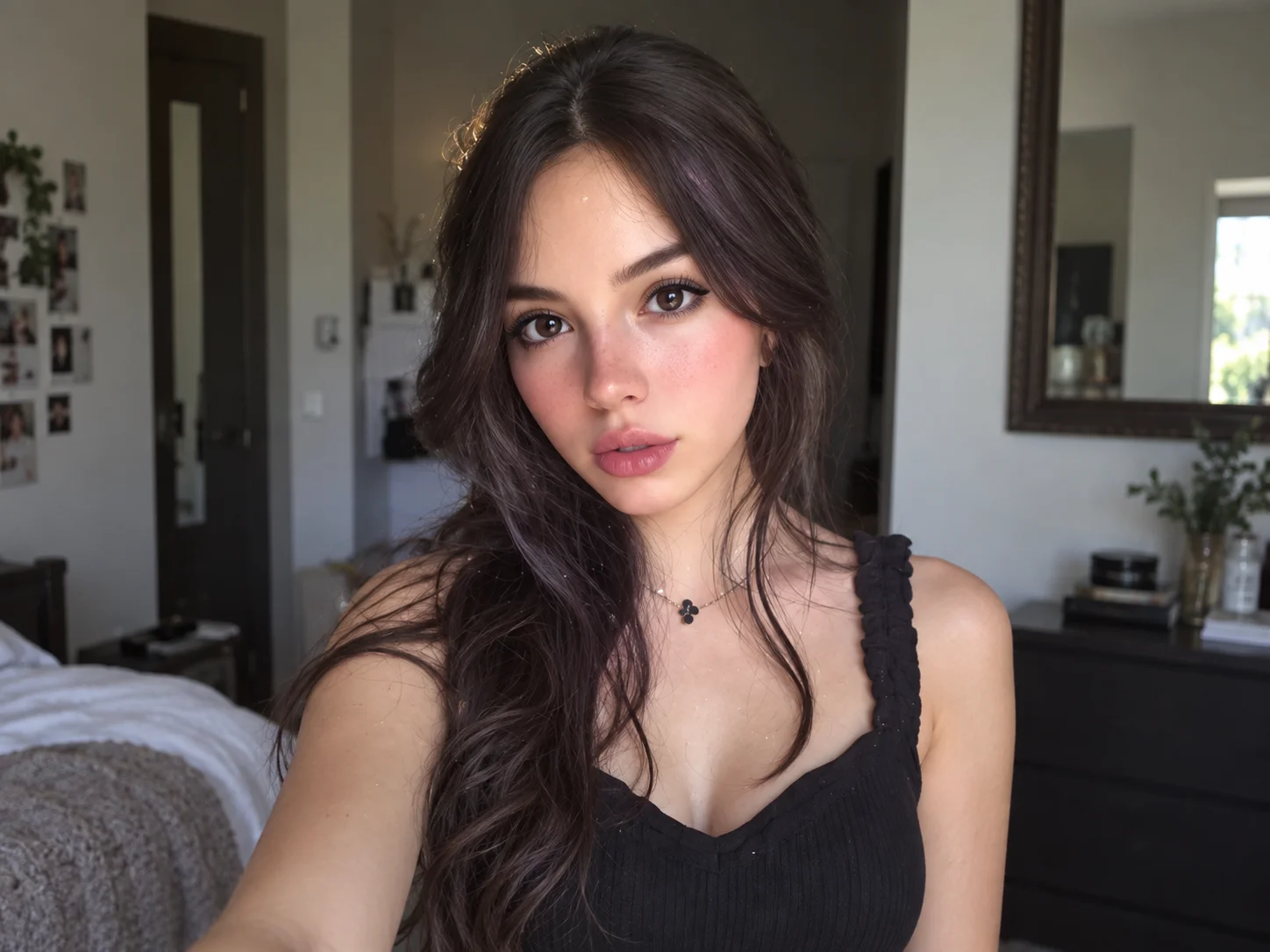
Choose a front-facing photo with even light and visible facial features so the transformation can follow your look.
Describe Your Fantasy Scene
Generate the blue-character effect. If you want a different mood, describe a glowing forest, ocean setting, or volcanic landscape in the prompt.
Preview and Download
Review the portrait, refine your description if needed, and save the version you want for an avatar or creative post.
Why Try Filter AI's Avatar Filter
A Fantasy Face That Is Still Yours
Blue skin, golden eyes, and pointed ears reshape the portrait while aiming to keep the source person's facial identity and expression recognizable.
Small Glowing Details, Big Visual Change
Bioluminescent freckles and subtle markings add depth to the alien look without hiding the face that makes the portrait personal.
Build a World Around the Portrait
Pair the character with a lush night forest, a luminous coast, or another sci-fi setting for profile art, fan-inspired concepts, and sharing.
Who Uses an AI Filter?
Social Media Creators
Transform portraits, pet photos, and everyday shots into eye-catching profile images, posts, Stories, and thumbnails.
Marketers and Small Businesses
Create stylized product photos, campaign visuals, and promotional graphics without a complex editing workflow.
Designers and Creative Hobbyists
Explore visual styles for mood boards, posters, stickers, personal artwork, and early design concepts.
Avatar Filter FAQs
Meet Your Blue Fantasy Self
Upload a portrait and explore a luminous character look shaped by your own face, glowing details, and a cinematic sci-fi setting.