
Note: Auto only supports 1K. 1:1 does not support 4K.
Anime Filter for Expressive Photo-to-Anime Art
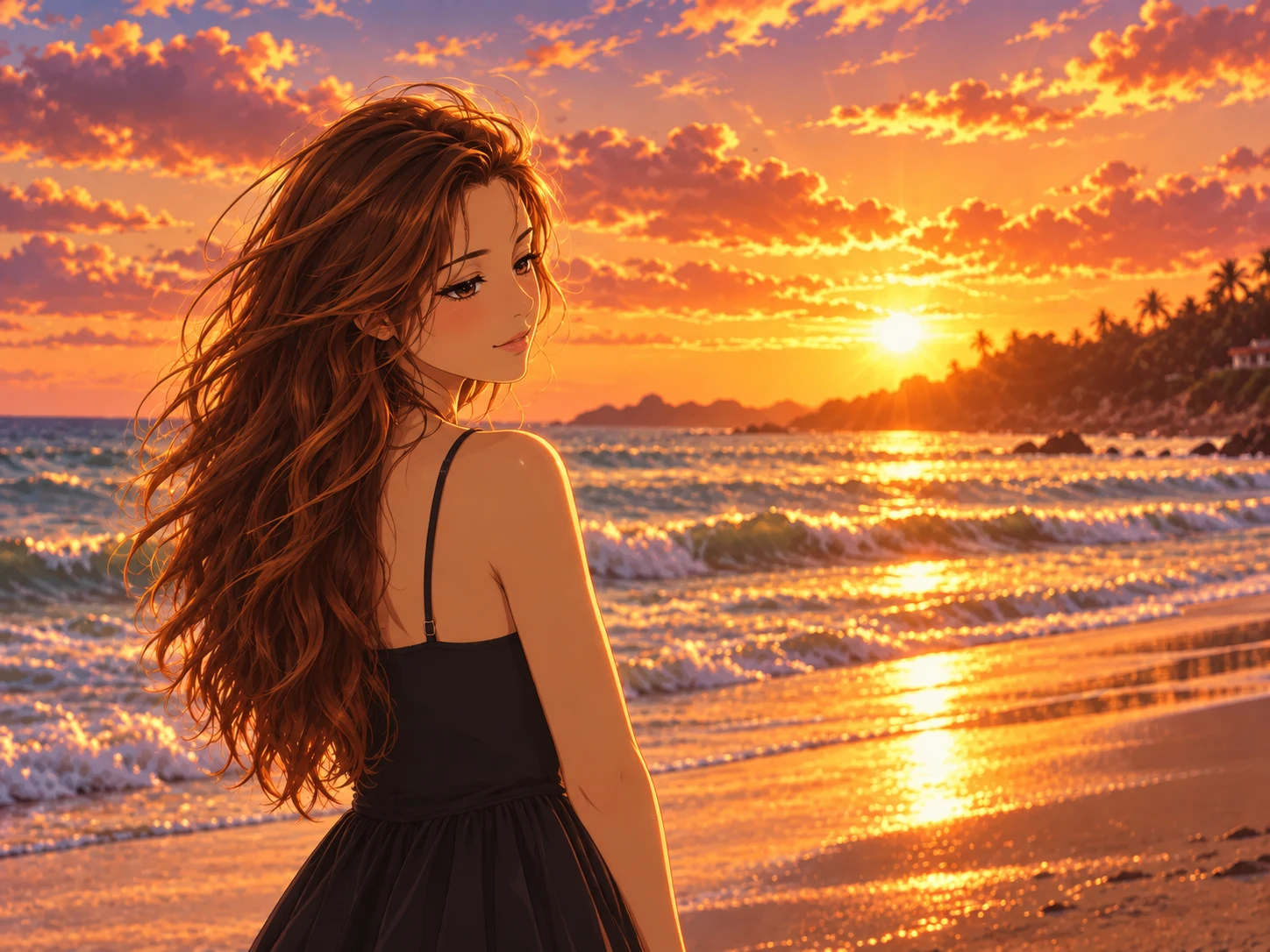
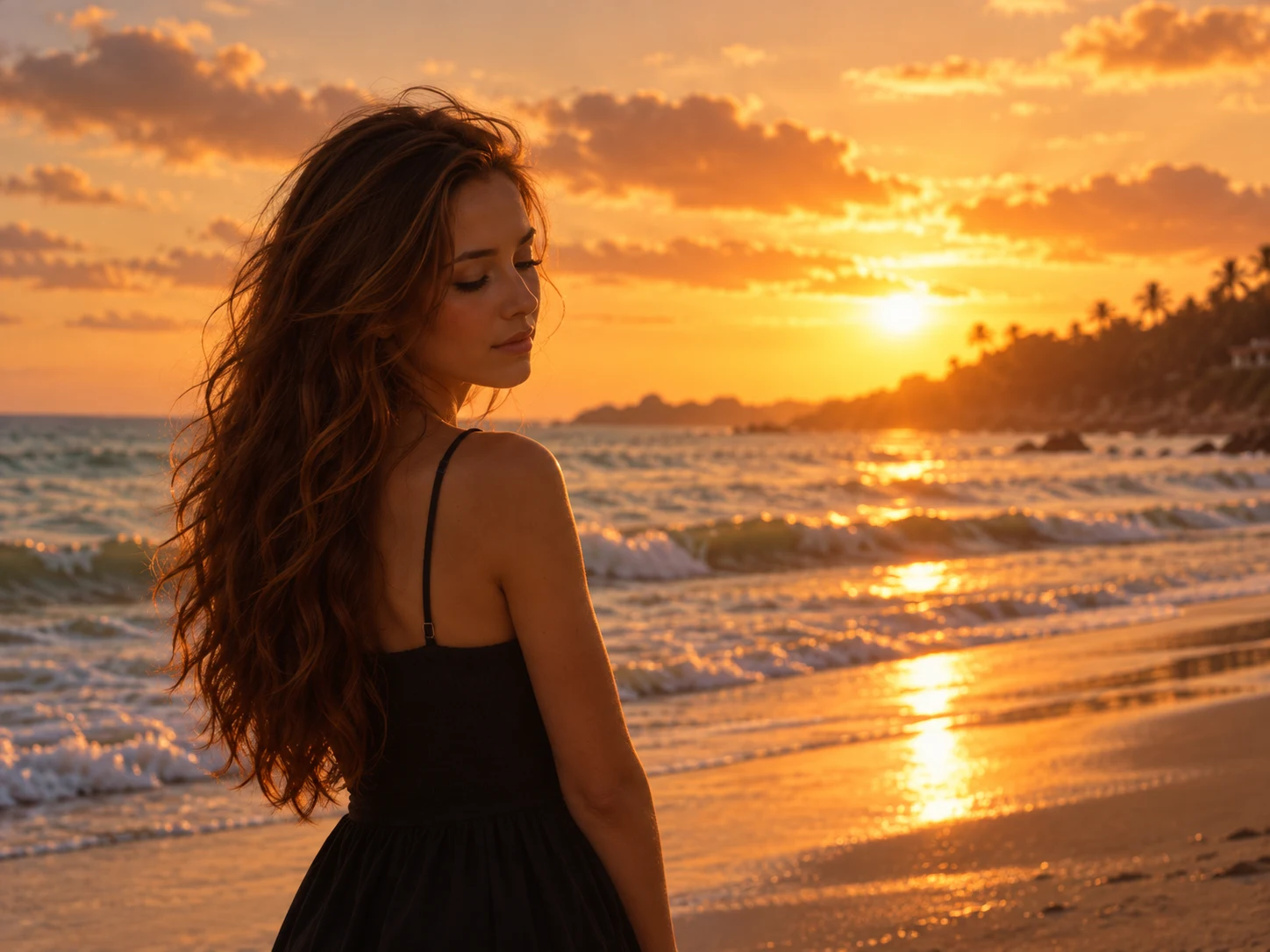
Transform a selfie, portrait, or pet photo into a detailed anime illustration while keeping the subject recognizable. Reimagine facial features, hair, expression, colors, and scenery with cinematic light, crisp linework, and a style that matches your idea.
How to Use the Anime Filter
Upload a Clear Photo
Choose a well-lit selfie, portrait, full-body image, group photo, or pet photo with the main subject clearly visible. A sharp source image gives the AI more facial, hair, and composition details to preserve.
Describe Your Anime Style
Describe the era, genre, mood, color palette, lighting, and details you want. Try a cinematic look, classic 90s anime, romantic shojo, action shonen, soft watercolor, or dark fantasy direction.
Generate and Download
Generate your anime image, review how the style fits the original subject, and refine your description if you want a different mood or level of detail. Download the version you like best.
Why Choose the Anime Filter
Keep the Character Recognizably Yours
The image-to-image transformation uses the source photo as its visual foundation, retaining recognizable facial structure, hairstyle, expression, silhouette, and composition while translating them into anime form.
Direct the Look With Anime Aesthetics
Move between cinematic anime, nostalgic 90s illustration, shonen action, shojo romance, kawaii color, watercolor, manga-inspired linework, and dark fantasy by describing the visual direction you want.
Create Polished Illustration Details
Turn ordinary photo details into expressive eyes, shaped hair, crisp contours, cel-shaded depth, deliberate color treatment, and atmospheric backgrounds for a result that feels like a finished anime illustration.
Who Uses an AI Filter?
Social Media Creators
Transform portraits, pet photos, and everyday shots into eye-catching profile images, posts, Stories, and thumbnails.
Marketers and Small Businesses
Create stylized product photos, campaign visuals, and promotional graphics without a complex editing workflow.
Designers and Creative Hobbyists
Explore visual styles for mood boards, posters, stickers, personal artwork, and early design concepts.
FAQs About the Anime Filter
Create Your Anime Version With Filter AI
Upload a photo, describe the anime world you want, and turn familiar features into a polished character illustration. Sign up, use your trial credits, and start your transformation.