
Note: Auto only supports 1K. 1:1 does not support 4K.
AI PS2 Filter for Retro Game Characters
Recast a portrait as a character from a 2000s console game, with faceted low-poly features, pixel-like surface textures, hard-edged lighting, and a restrained retro palette. Turn an ordinary selfie into an NPC, a lead hero, or a distinctive gaming profile picture.
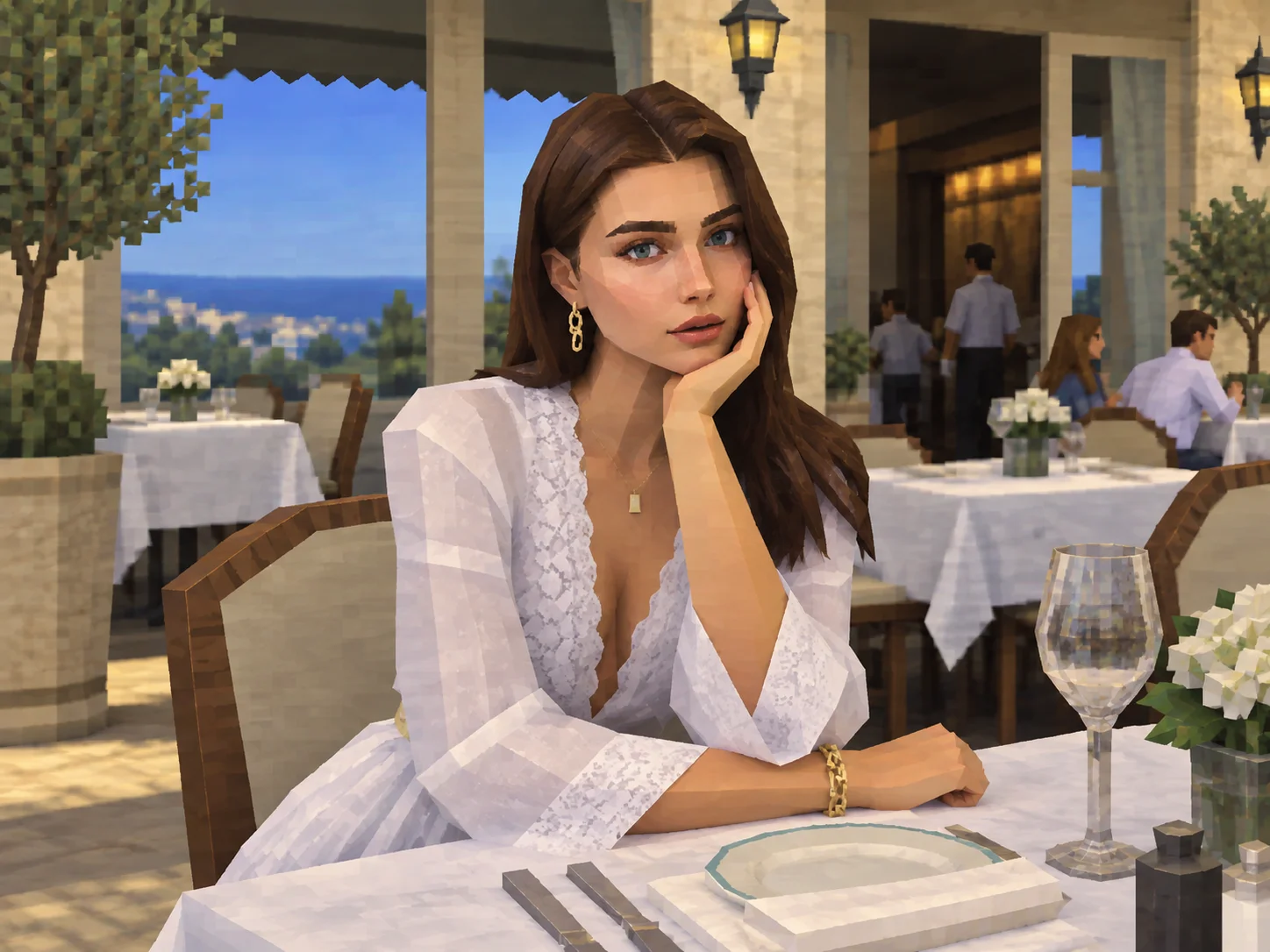

How to Use the AI PS2 Filter
Choose a Photo
Upload a clear portrait, pet photo, object, or scene. Even lighting and a visible subject help the retro shapes read clearly.
Describe Your Game Look
Generate the PS2-era effect and, if you wish, describe an NPC, hero, or game-cover mood in the prompt to guide the result.
Preview and Save
Check the transformed image, try a different description if needed, then download the version you want to share.
Why Make PS2-Style Art with Filter AI
Make a Character-Style Profile Picture
Give a selfie the recognizable feel of an early-2000s game character, with angular modeling and textured shading that stands apart from a standard portrait.
Play the NPC or the Hero
Reimagine yourself as a background character or the lead in a retro adventure, using costume and atmosphere ideas to shape the scene.
Build a Whole Retro Game World
Apply the visual language to city streets, rooms, pets, and everyday objects for scene studies or original game-cover concepts.
Who Uses an AI Filter?
Social Media Creators
Transform portraits, pet photos, and everyday shots into eye-catching profile images, posts, Stories, and thumbnails.
Marketers and Small Businesses
Create stylized product photos, campaign visuals, and promotional graphics without a complex editing workflow.
Designers and Creative Hobbyists
Explore visual styles for mood boards, posters, stickers, personal artwork, and early design concepts.
AI PS2 Filter FAQs
Enter Your Own Retro Game World
Upload a photo and see it take on the angular characters, textured surfaces, and nostalgic lighting of a PS2-era scene.