
Note: Auto only supports 1K. 1:1 does not support 4K.
AI Mermaid Filter: Turn Your Photo into a Mermaid
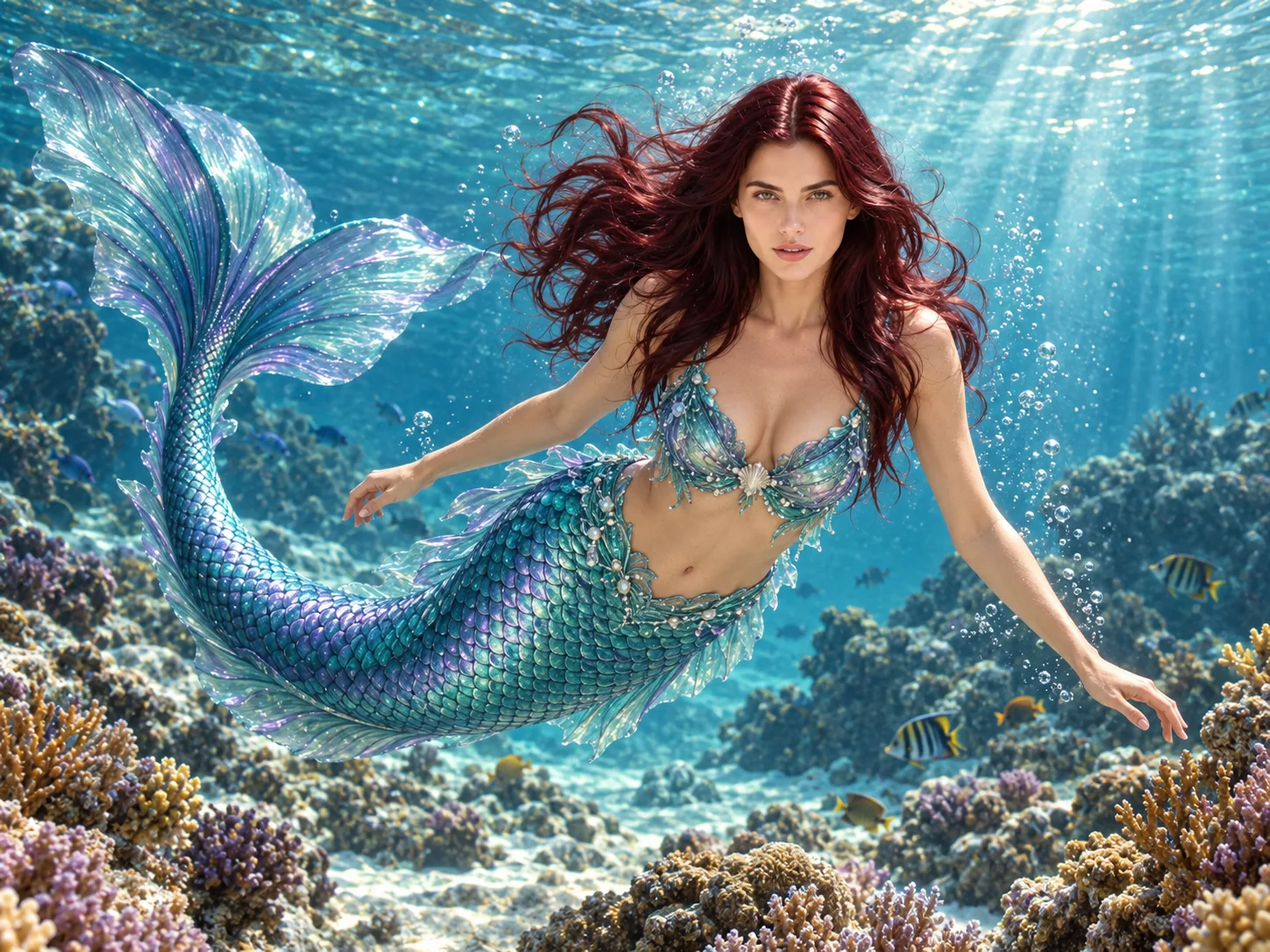
Reimagine a familiar face as a mermaid beneath the waves, with an iridescent scaled tail, flowing hair, coral reefs, and soft shafts of underwater light.
How to Use the AI Mermaid Filter
Upload a Clear Portrait
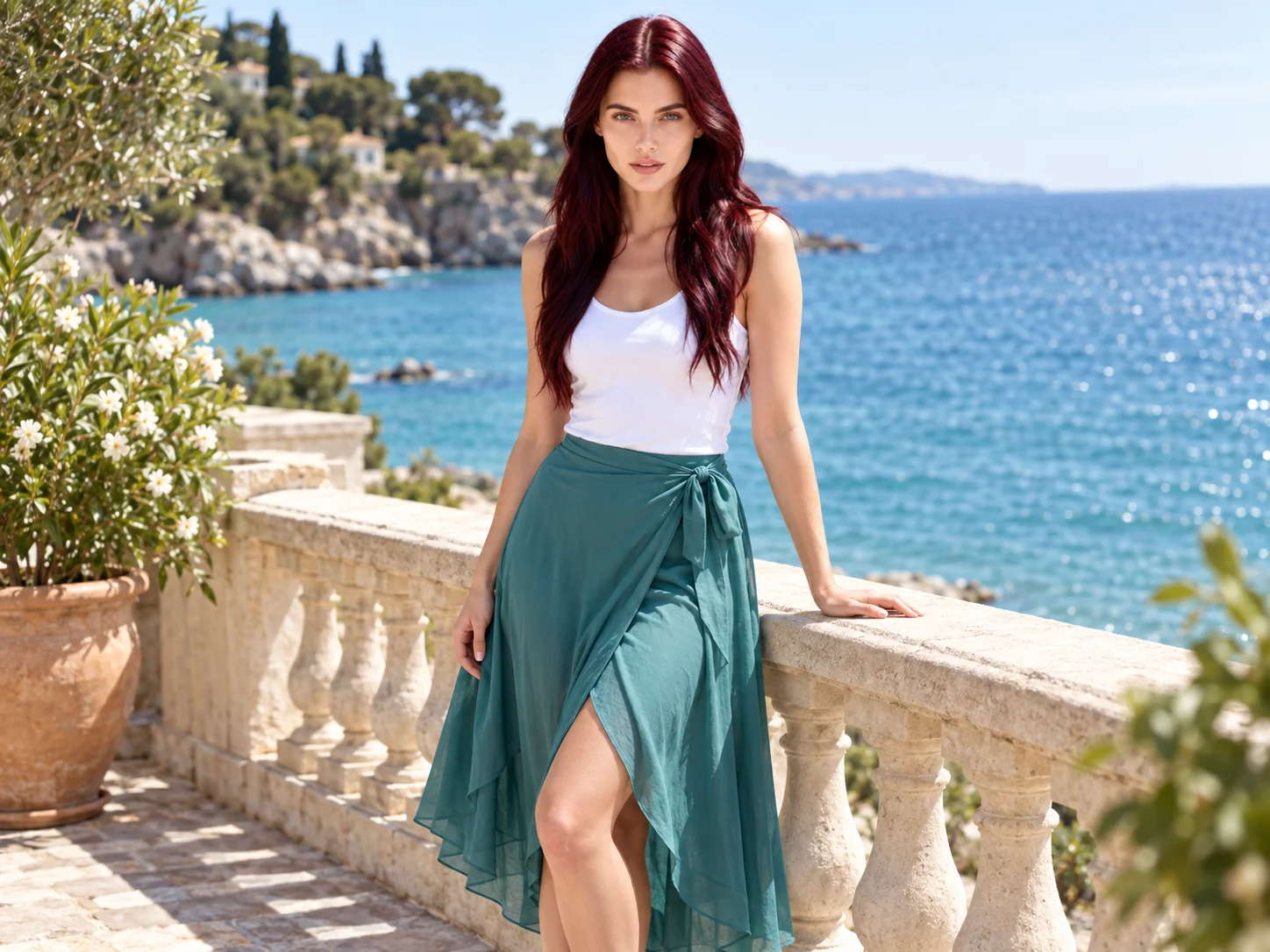
Choose a well-lit photo with a visible face. An upper-body or full-body portrait gives the transformation useful visual context.
Describe Your Mermaid Look
Use the starter prompt or change the tail color, outfit, ocean setting, and lighting to match your idea.
Generate and Download
Generate the image, check the face and tail details, then save the result you prefer.
Why Choose This AI Mermaid Filter
Build a Complete Underwater Scene
Bring together a scaled tail, fins, drifting hair, bubbles, coral, and filtered sunlight in one mermaid portrait.
Guide the Fantasy with Your Prompt
Describe colors and mood, from bright turquoise reefs to a darker ocean atmosphere, then compare different versions.
Keep a Recognizable Face
The default prompt asks the model to carry over key facial features and expression while adapting the body and setting to the mermaid scene.
Who Uses an AI Filter?
Social Media Creators
Transform portraits, pet photos, and everyday shots into eye-catching profile images, posts, Stories, and thumbnails.
Marketers and Small Businesses
Create stylized product photos, campaign visuals, and promotional graphics without a complex editing workflow.
Designers and Creative Hobbyists
Explore visual styles for mood boards, posters, stickers, personal artwork, and early design concepts.
FAQs About the AI Mermaid Filter
Create Your Mermaid Portrait
Upload a portrait to Filter AI, shape the tail and underwater scene with your words, and see yourself in a new ocean-inspired image.