
Note: Auto only supports 1K. 1:1 does not support 4K.
AI Face Filter for Artistic Portraits
Give a familiar face a striking new finish: delicate porcelain patterns, painterly color, fantasy details, or another look that follows the contours and character of the portrait.
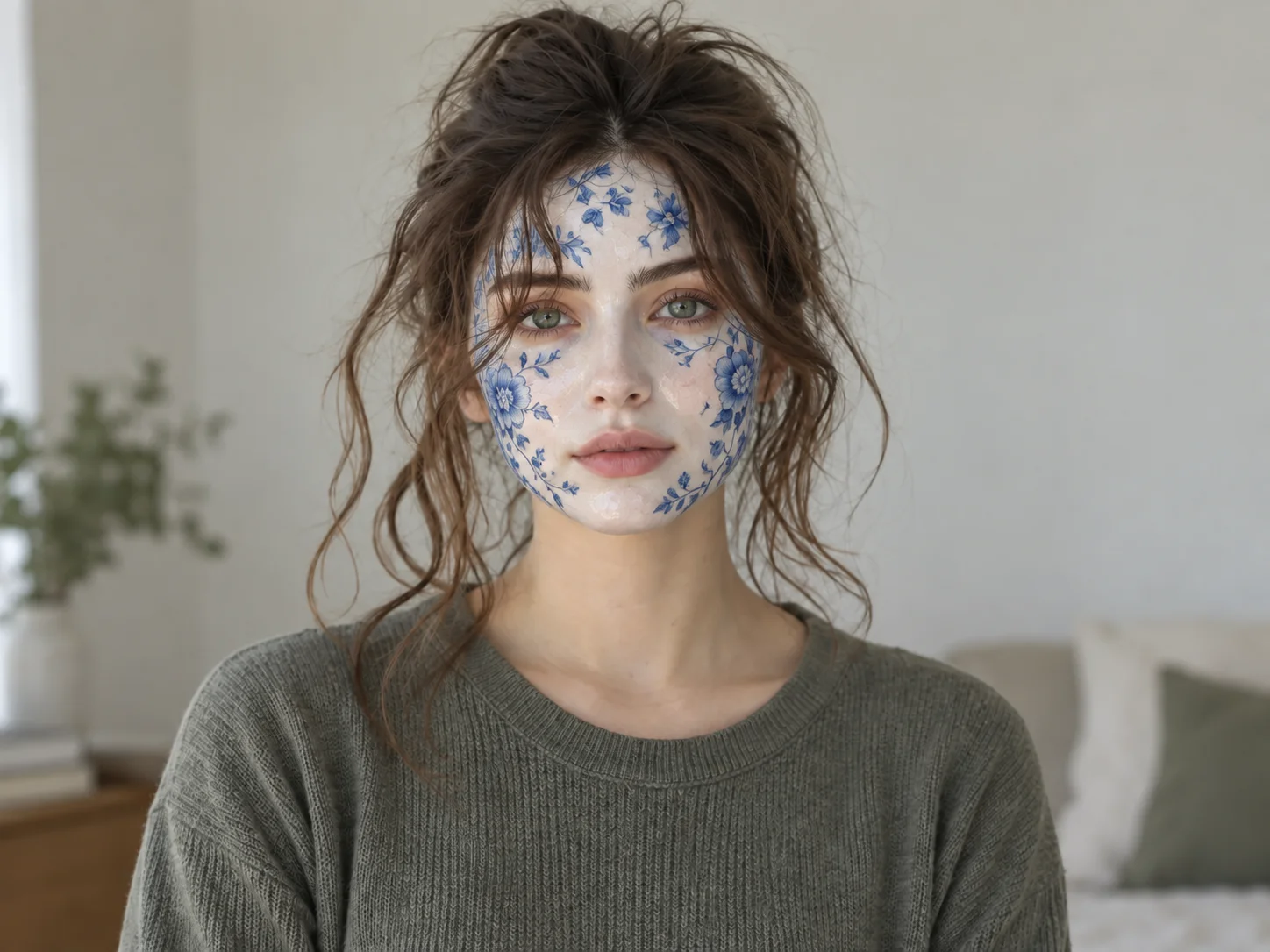
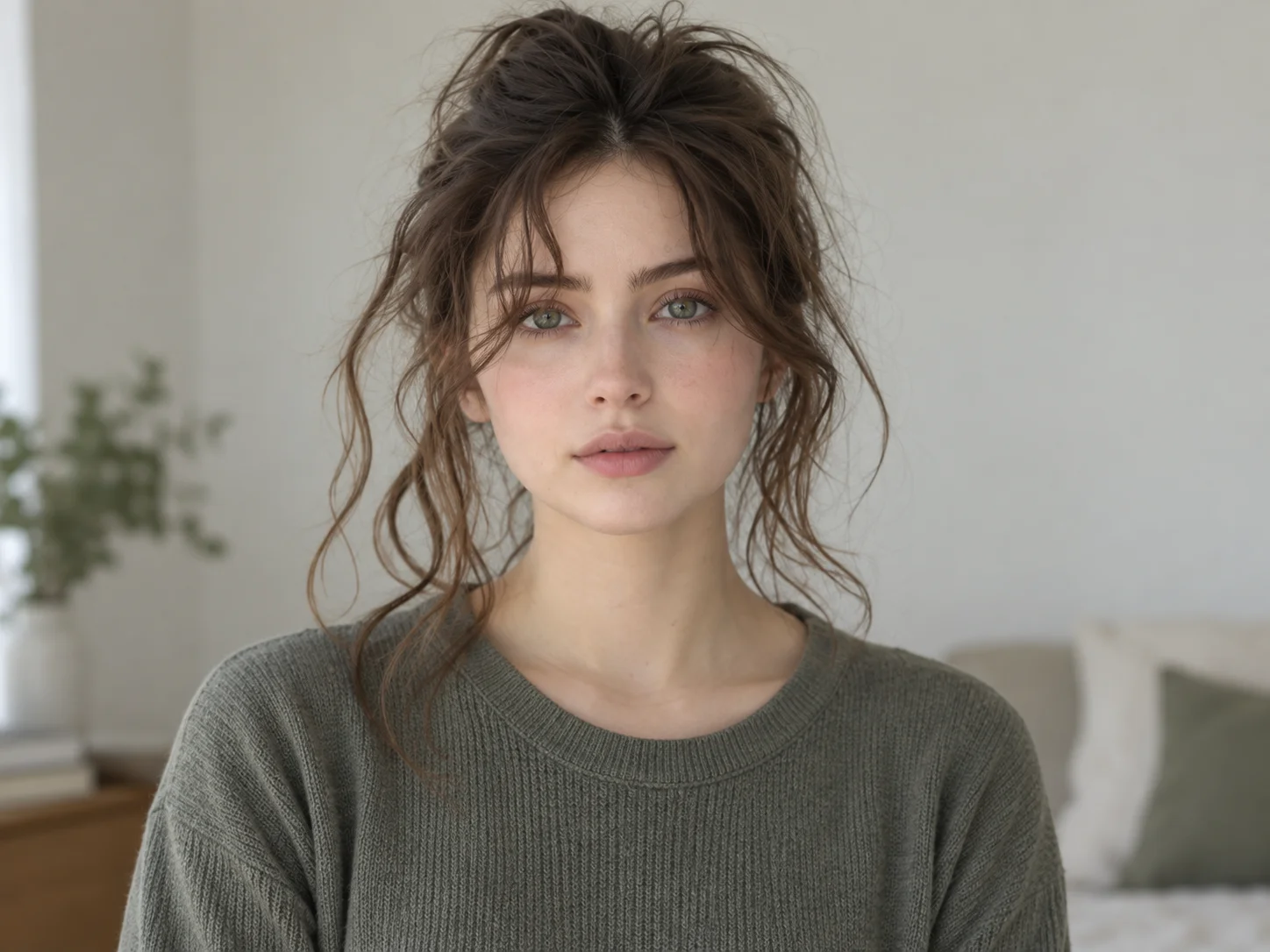
How to Use the AI Face Filter
Upload a Clear Portrait
Start with a selfie or portrait in which the face is visible and well lit.
Describe Your Filter
Use the ready-made porcelain prompt or rewrite it to request painting, fantasy, doll-like, or another artistic face style.
Generate and Save
Generate the portrait, review how the effect fits the face, then download the version you like.
Why Choose This AI Face Filter
Create Beyond Basic Photo Tints
Explore expressive surface details, color, and mood instead of only changing brightness or smoothing skin.
Shape a Look with Words
Describe the face effect you have in mind and refine one visual detail at a time to compare different results.
Keep the Portrait Recognizable
The default prompt focuses the transformation on the face while asking the model to keep the person's expression, hair, pose, and setting familiar.
Who Uses an AI Filter?
Social Media Creators
Transform portraits, pet photos, and everyday shots into eye-catching profile images, posts, Stories, and thumbnails.
Marketers and Small Businesses
Create stylized product photos, campaign visuals, and promotional graphics without a complex editing workflow.
Designers and Creative Hobbyists
Explore visual styles for mood boards, posters, stickers, personal artwork, and early design concepts.
FAQs About the AI Face Filter
Make an AI Face Filter from Your Portrait
Upload a portrait to Filter AI, describe the face effect you want, and see how a new artistic look fits the photo.