
Note: Auto only supports 1K. 1:1 does not support 4K.
AI Aging Filter: Preview Your Older Self
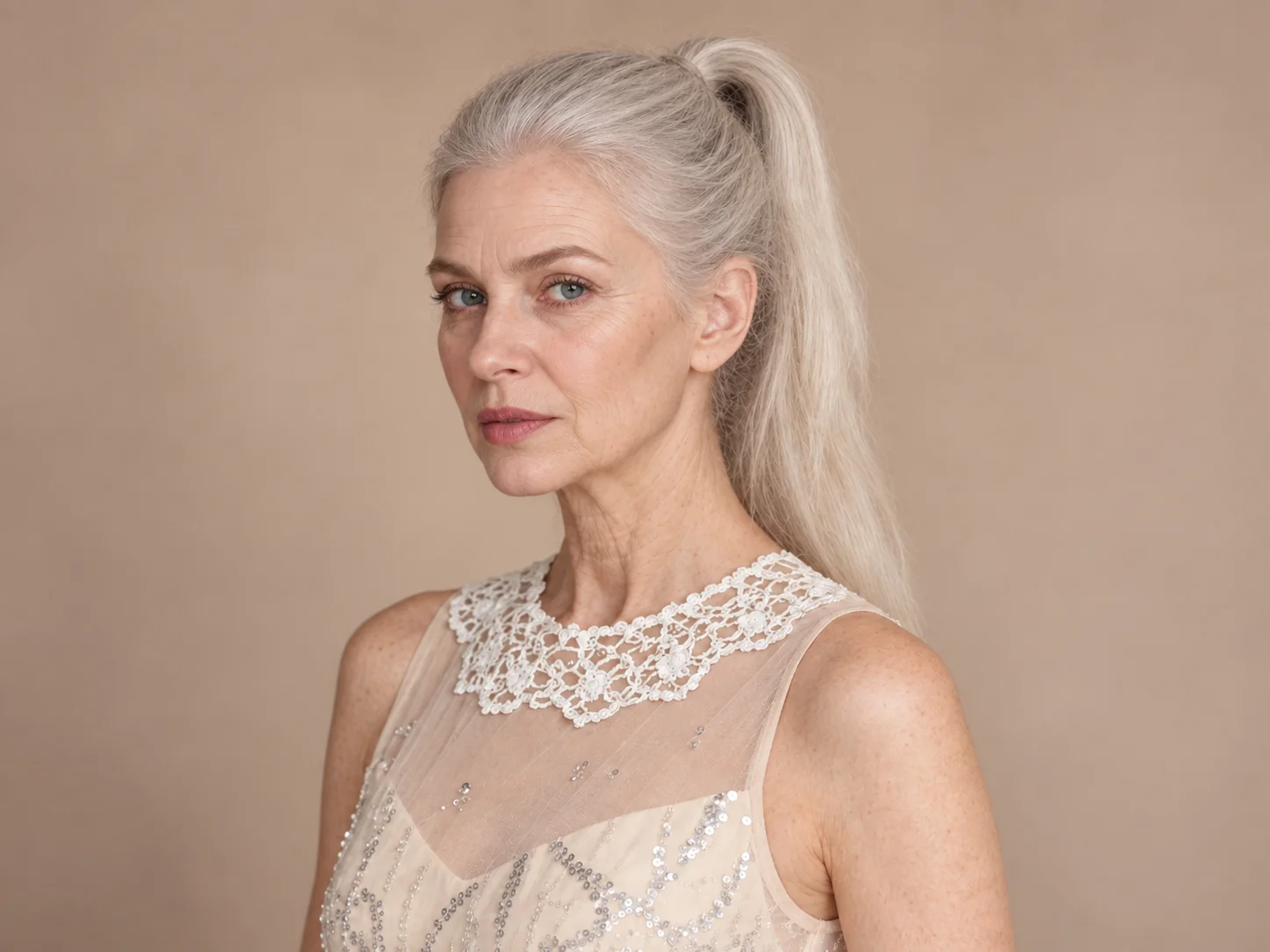
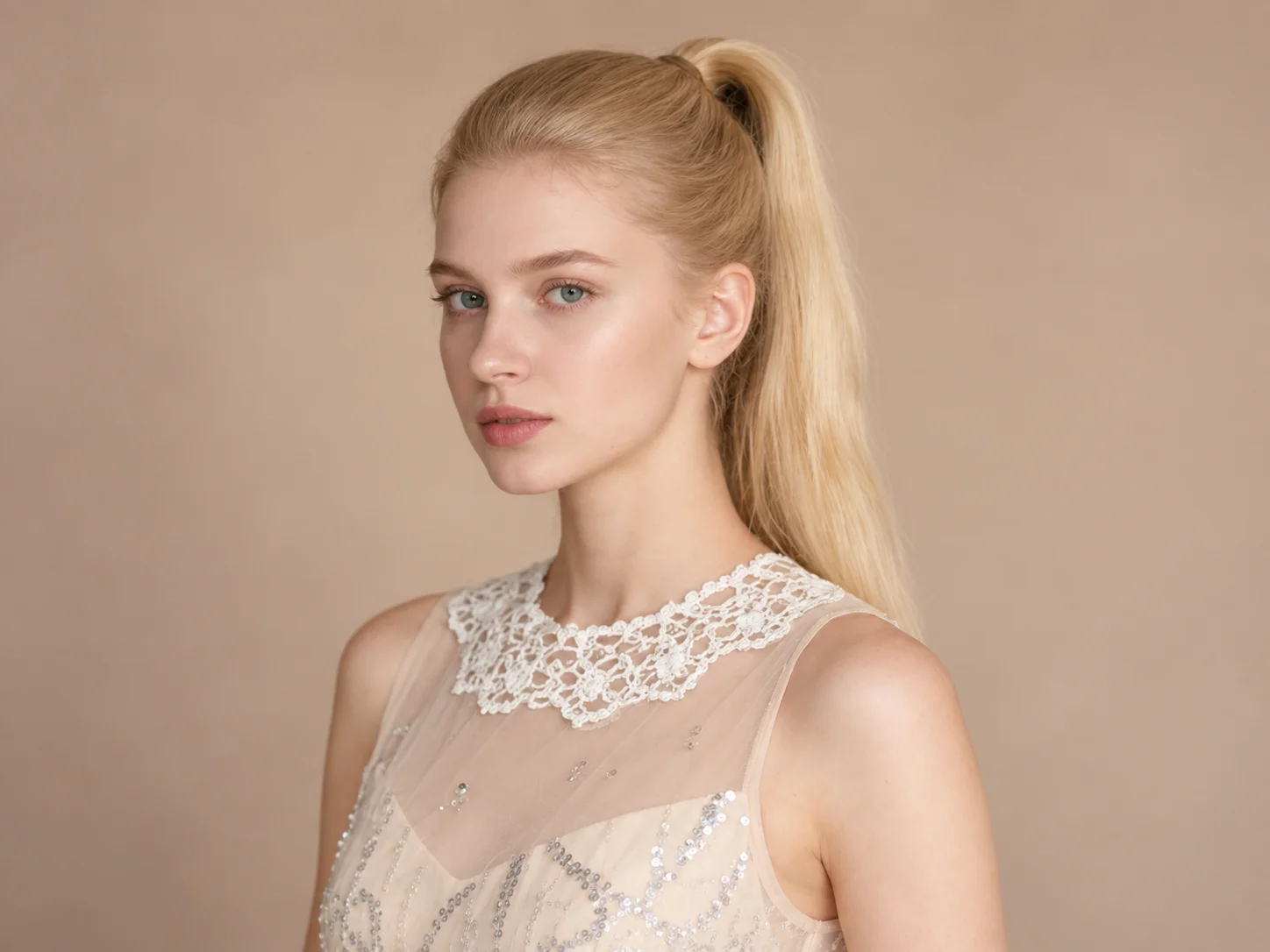
See a believable older version of your portrait with natural wrinkles, fine lines, and graying hair, while your expression and recognizable facial features remain intact.
How to Use the AI Aging Filter
Upload a Clear Portrait
Choose a well-lit photo where the face is easy to see. A front-facing portrait helps the aging details blend with the original features.
Generate the Aged Portrait
Use the aging prompt or describe the life stage you want to explore, then start generation to see the transformed portrait.
Review and Download
Check the facial details and overall resemblance, then download the result for a before-and-after story or a creative project.
Why Use the AI Aging Filter?
Aging Details That Fit the Face
The effect blends fine lines, wrinkles, skin texture, and graying hair with the source portrait, creating an older look without turning the face into an unrelated person.
Keep the Person Recognizable
The transformation focuses on age-related facial changes while aiming to retain the original expression, facial structure, and lighting, so the result still feels connected to the source photo.
Explore Stories Across the Years
Create an older character portrait, imagine a future self-portrait, or make a before-and-after visual for social posts and personal storytelling.
Who Uses an AI Filter?
Social Media Creators
Transform portraits, pet photos, and everyday shots into eye-catching profile images, posts, Stories, and thumbnails.
Marketers and Small Businesses
Create stylized product photos, campaign visuals, and promotional graphics without a complex editing workflow.
Designers and Creative Hobbyists
Explore visual styles for mood boards, posters, stickers, personal artwork, and early design concepts.
FAQs About the AI Aging Filter
See Your Portrait Years From Now
Upload a clear portrait and use Filter AI to create an older look with natural facial details and a recognizable expression.